
Browsy vs Downloader: The One That Actually Scans What You Install
Downloader installs whatever you point it at without checking a thing. Browsy scans every app automatically, adds a Deep scan you run yourself, and lets you create and re-point your own codes. Here is the honest comparison, including the one place Downloader still wins.
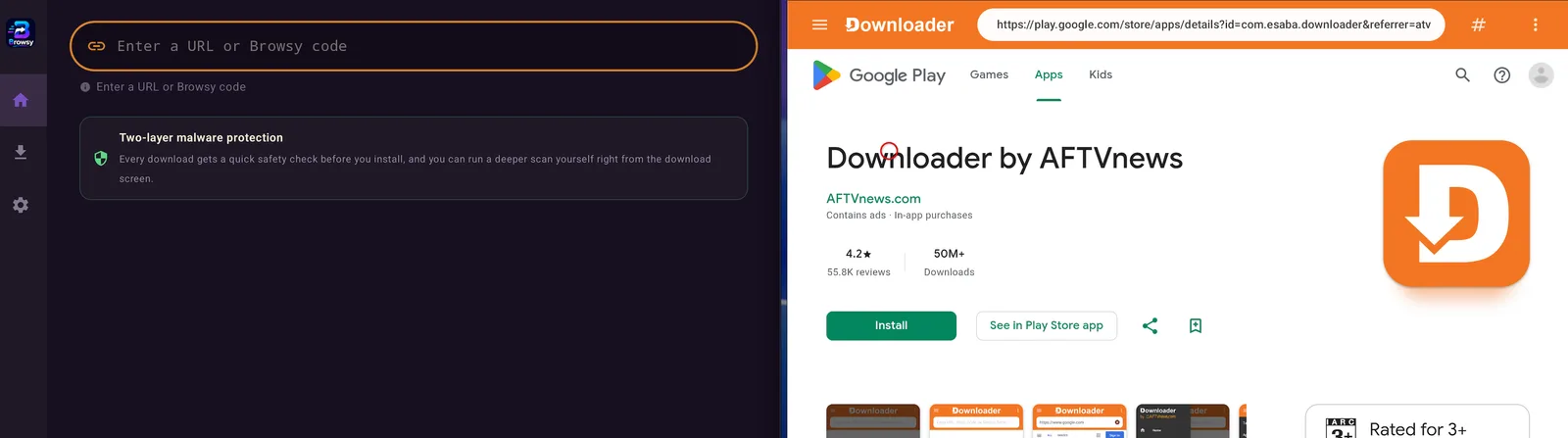
Downloader will install anything you point it at. It does not look inside the file. It does not check what is in it. It does not warn you about a single thing. It downloads what you asked for and hands it to the installer, and whatever is inside is now your problem. For years that was simply the deal, and all of us took it.
Browsy takes a different position: nothing lands on your device without being scanned first. Twice, if you tap the button. Add codes that you actually own and can re-point whenever you like, and you get a tool that does not just copy Downloader, it makes it look dated.
Here is the honest comparison, including the one place Downloader still wins today.
Credit where it is due
Downloader earned its place. It is simple, it is dependable, millions of people used it to sideload their very first app, and it has been the default answer for the best part of a decade. If you have a routine with it that works, that is a real thing and we are not going to pretend otherwise.
But it has not meaningfully moved in years, and two of its oldest weak spots are exactly what we built Browsy to fix.
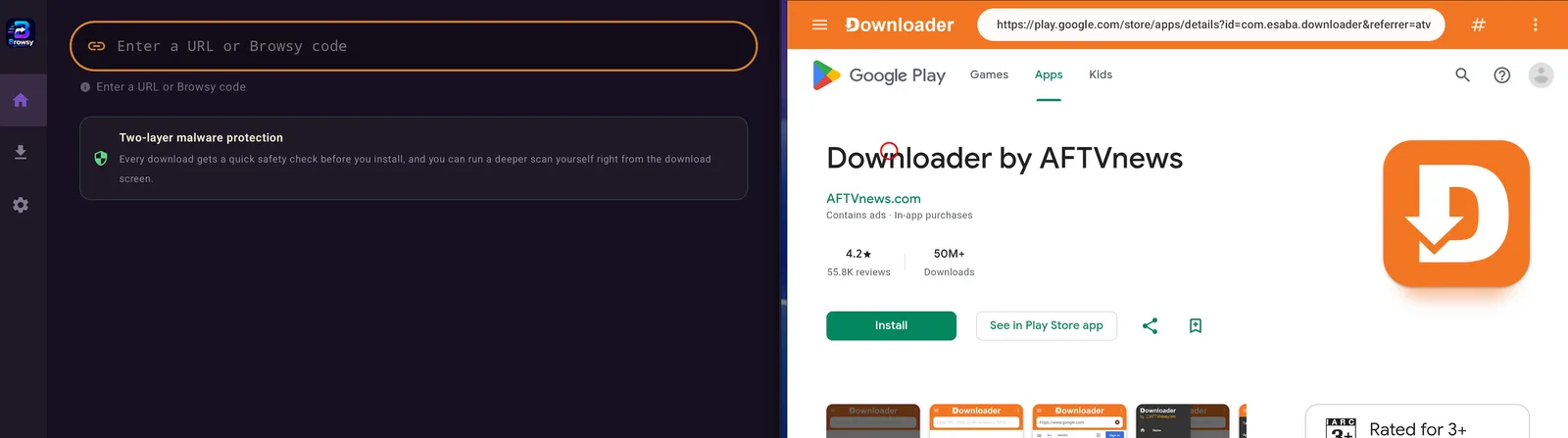
1. Safety: two scans versus none
This is the headline, and it is not close.
Browsy scans every app automatically as it pulls it in. Then, before you install, you can tap Deep Scan and it runs a heavier check on the file itself. Two chances to catch something nasty before it ever touches your box.
Downloader scans nothing. It was never built to. It fetches the file and passes it along, and you find out what was inside it the hard way.
Sideloading has always had one genuinely scary part, which is that you are installing software from outside the store and taking it on trust. Browsy is the first tool most people will use that actually does something about that.
2. Codes you own, not codes you are given
Downloader codes are fixed. Somebody else decided what the number points at, and if that link goes stale, the code goes with it. You cannot edit it. You just find a new number somewhere and hope.
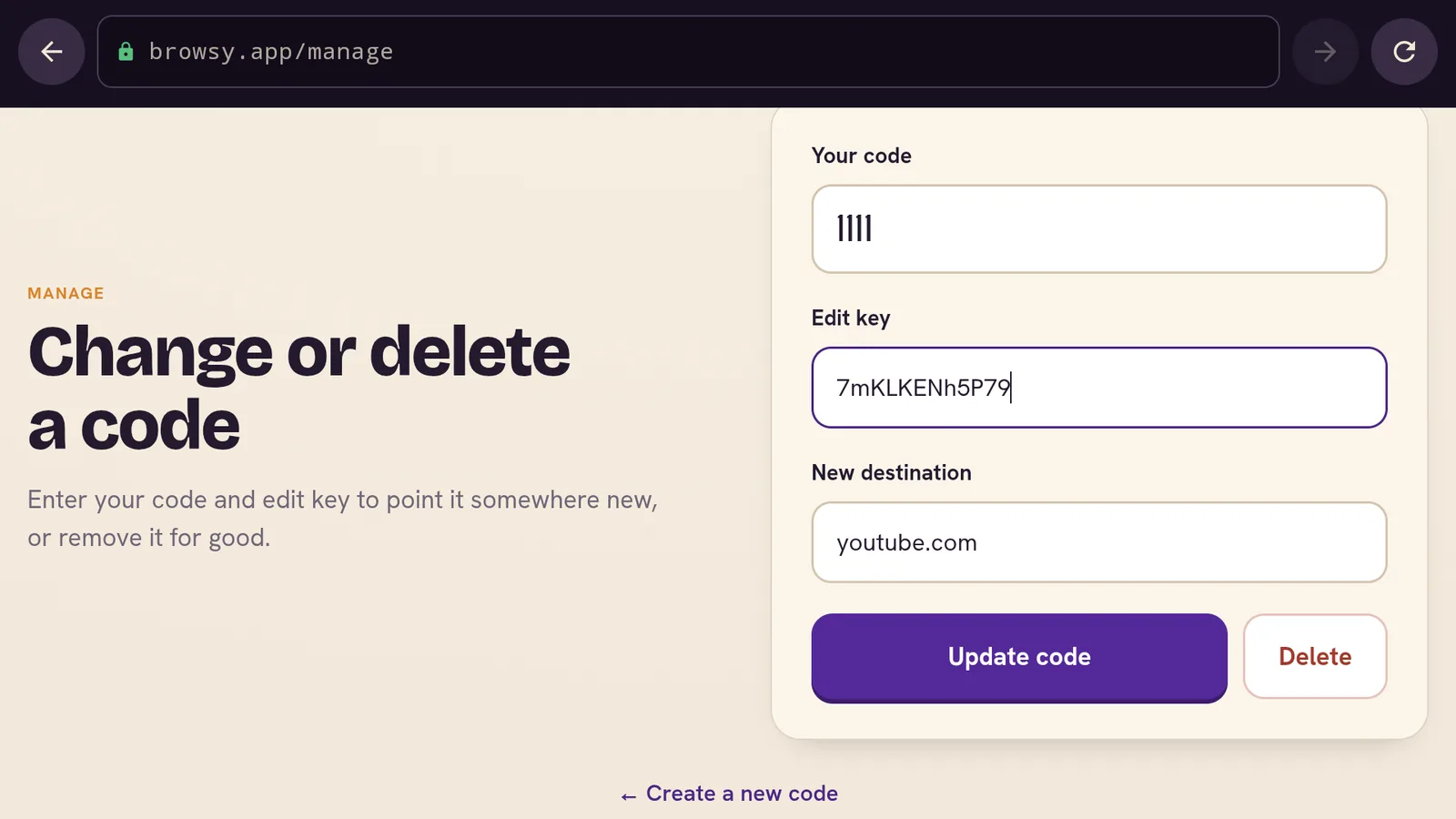
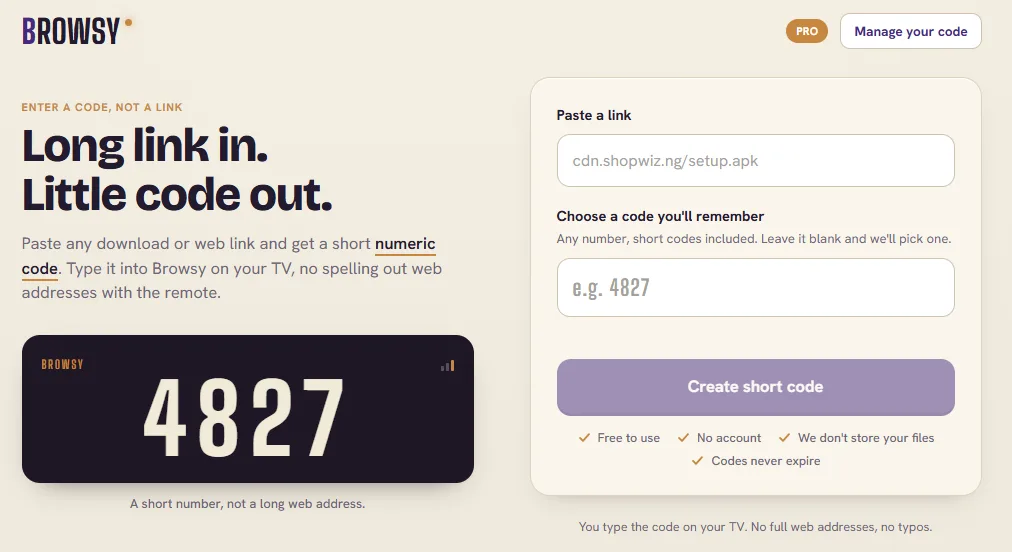
Browsy hands you the keys. Head to Browsy.app and you can:
- Choose your own code numbers and point them wherever you want.
- Change the link attached to a code at any time. If an address moves, you update it once and the code keeps working forever.
That last one quietly solves the most annoying thing about sideloading, which is links rotting. Your codes stop being disposable and start being a setup you keep.
3. Smoother to actually use
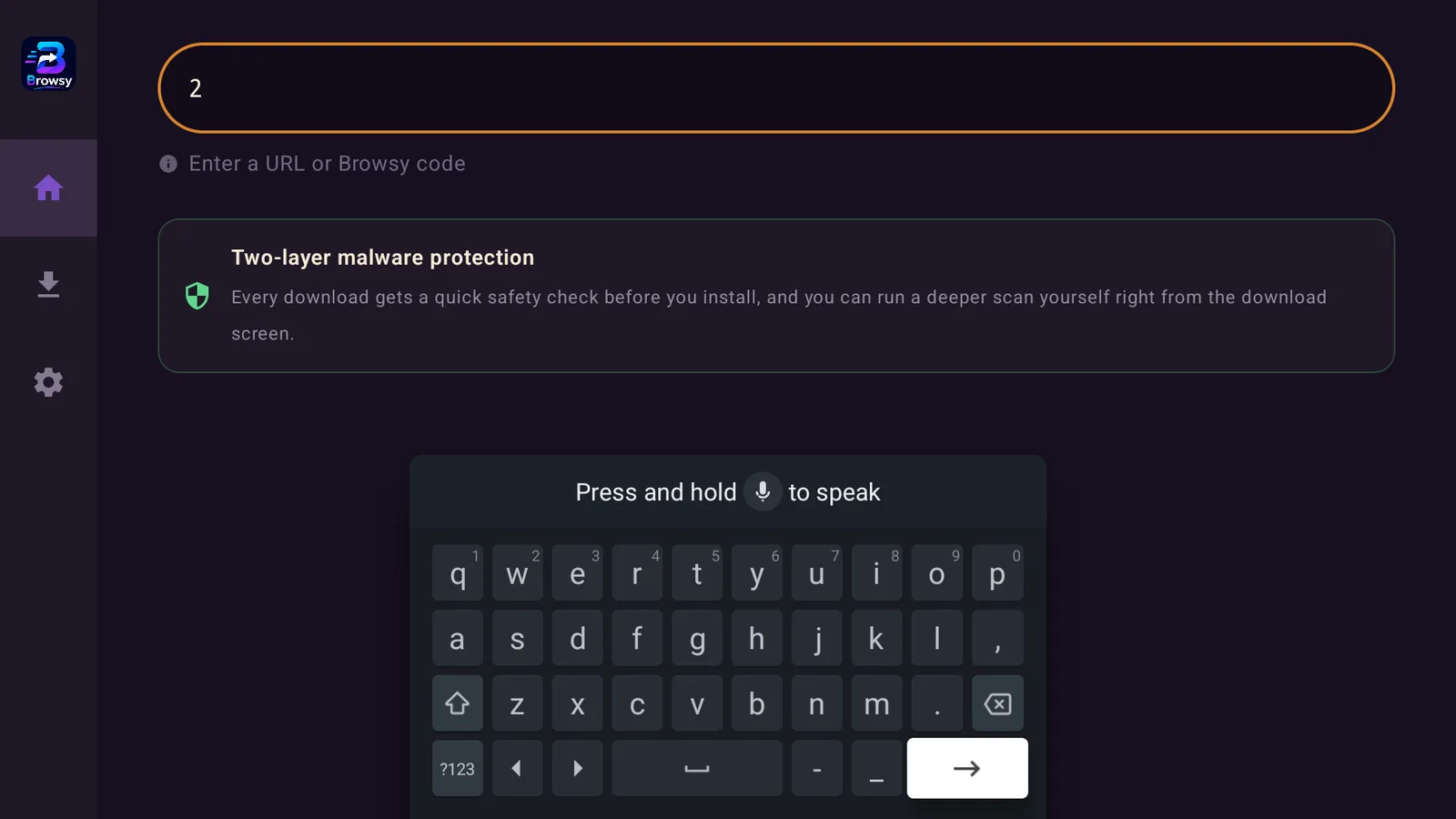
Browsy is a number and enter button. You are in, you are out, the app is on your box. No typing a forty character web address with a directional remote, no starting over because you fat fingered one letter.
Out of the box, code 1 is TV Wizard, code 2 is the LinkDrop Store, code 3 is Browsy itself, and code 4 is Unlinked. Four numbers instead of four long links, and then you add your own on top.
The one place Downloader still wins
We are not going to spin this. Downloader runs on Fire Stick today, and Browsy does not yet.
Browsy lives on the Google Play Store, so it runs on ONN boxes, Android TV, Android phones, and tablets. Fire Stick support is coming, but it is not here at the time of writing. If your only device is a Fire Stick, keep Downloader for now and watch this space.
If you own an ONN box or any Android TV device, none of that applies to you and you can switch today.
Browsy vs Downloader, side by side
- Safety: Browsy scans automatically, plus an optional Deep scan before install. Downloader does not scan at all.
- Codes: Browsy lets you create your own and re-point the link any time at Browsy.app. Downloader codes are fixed and you cannot edit them.
- When a link dies: Browsy, you update the code and carry on. Downloader, the code is dead.
- Typing: Browsy, a short number. Downloader, a full web address by remote.
- Devices today: Browsy on ONN, Android TV, phones, and tablets. Downloader on Fire Stick.
- Our app stores: Browsy drops you into TV Wizard and the LinkDrop Store by code. Downloader has no idea they exist.
So should you switch?
On an ONN box or Android TV: yes, today. You get the scans, you get codes you control, and it installs from the Play Store in thirty seconds. There is no reason to keep typing links by hand.
On a Fire Stick: not yet. Stay with Downloader, and Browsy is on the way.
Ready to set it up? Here is the full walkthrough with every code: How to install and use Browsy on ONN TV. Brand new to all of this? Start with our plain English sideloading guide.
Stay private on your Fire Stick with IPVanish
It's the VPN I run on my own Fire Stick. It hides what you stream and sideload from your internet provider, and unblocks a lot more.
Frequently asked questions
Is Browsy better than Downloader?+
On the things that matter most, yes. It scans apps before they install, which Downloader does not do at all, and it lets you create and edit your own codes, which Downloader does not allow. The one advantage Downloader still has is Fire Stick support, and that gap is closing.
Does Browsy scan apps for malware?+
Yes. Every app is scanned automatically as Browsy pulls it in, and you can tap Deep for a heavier scan of the file before you install it. Downloader offers neither.
Can I really change what a Browsy code points to?+
Yes. At Browsy.app you create your own codes and can change the link behind any of them whenever you want. The code stays the same, the destination is up to you.
Does Browsy work on Fire Stick?+
Not yet, it is coming. Today Browsy runs anywhere the Google Play Store does, which covers ONN, Android TV, Android phones, and tablets.
Is Browsy free?+
Yes, the same as TV Wizard and the LinkDrop Store.
Can I keep both Browsy and Downloader?+
Of course. They sit side by side happily. Most people who install Browsy simply stop opening Downloader.
Comments0
Join the conversation. Be kind, and no piracy talk.