
Browsy 1.4: Collections, Favorites, and Codes That Work for Everyone
Build collections on the web, save favorites in the app, and share codes that work even without Browsy installed. Everything new in 1.4.0, explained.
Browsy 1.4.0 is the biggest update Browsy has had, and the website got the best of it. Save favorites in the app, build collections that open with one short code, and share codes as real links that work even for people who never installed Browsy.
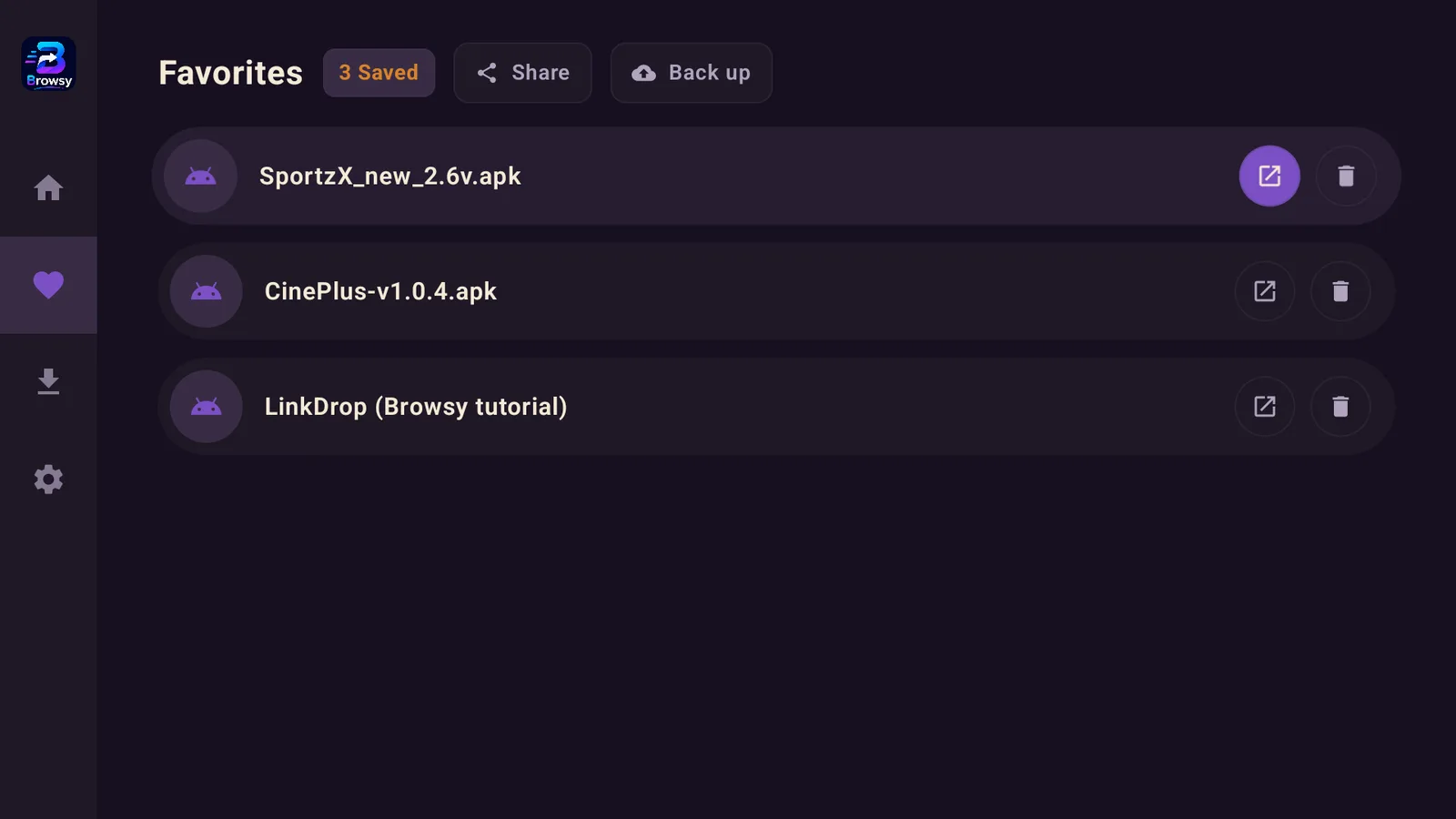
Favorites: save an app once, never hunt for its code again
You know the routine. You found something great a month ago, and now you are scrolling a code list trying to remember which number it was. That is over. In 1.4.0 you can save any app you find as a favorite, and from then on it sits one click away. Build your own shortlist of the apps you actually use instead of re-typing codes.
Turn your favorites into one shareable code
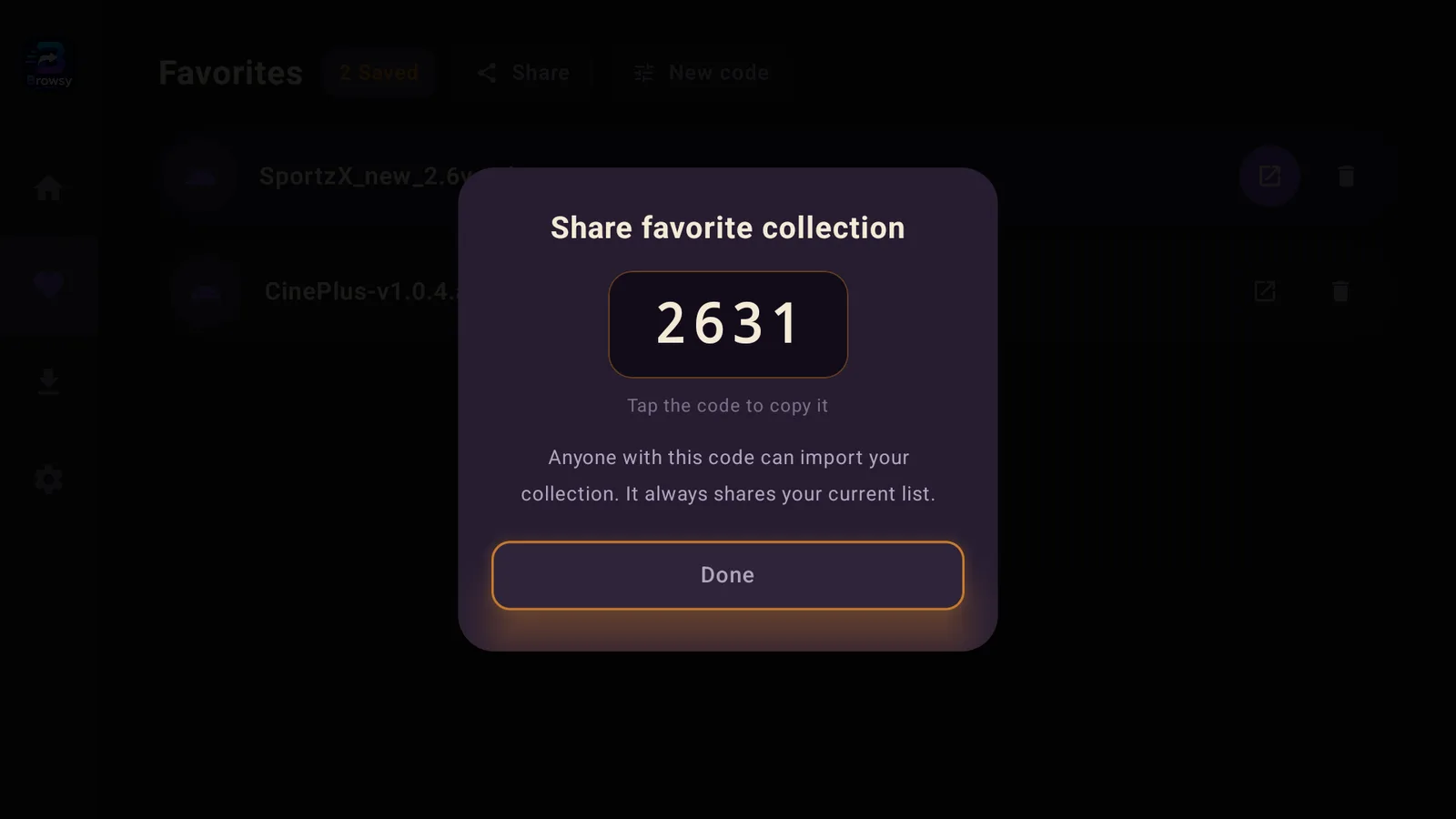
Your favorites list can be shared as a single short code, and it works like any other code in Browsy:
- Open your favorites and choose share. Browsy generates one short code for the whole list.
- Send that code to a friend any way you like.
- They type it into Browsy like a normal code and grab everything in one go.
Setting up a box for a friend or someone in your family used to mean reading codes out one at a time. Now it is one code and done. It is the same idea that makes sharing apps through LinkDrop so handy, built right into Browsy. And because every code now has its own web page (more on that below), the person on the other end does not even need the app.
Build a collection right on browsy.app, no app needed
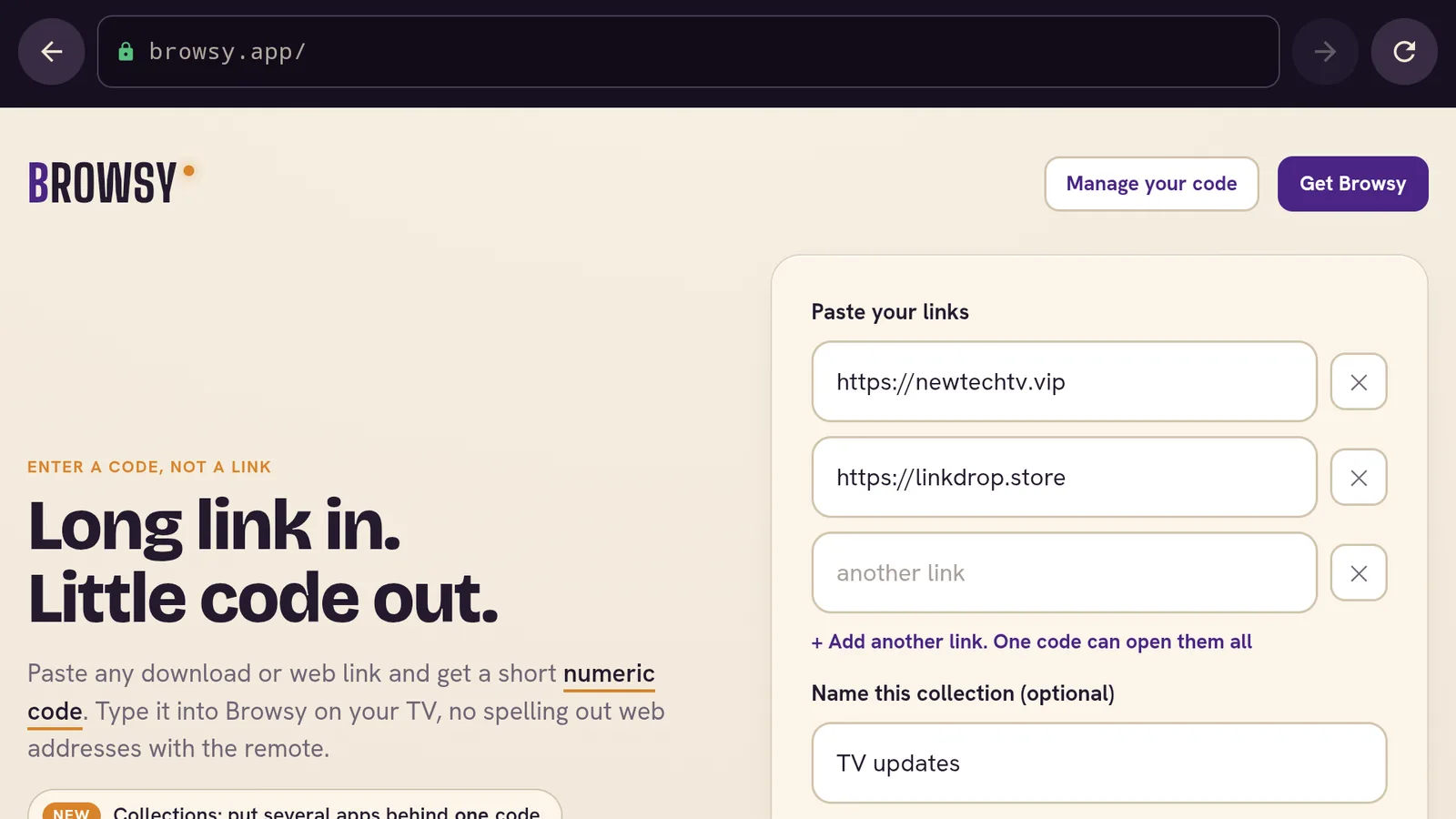
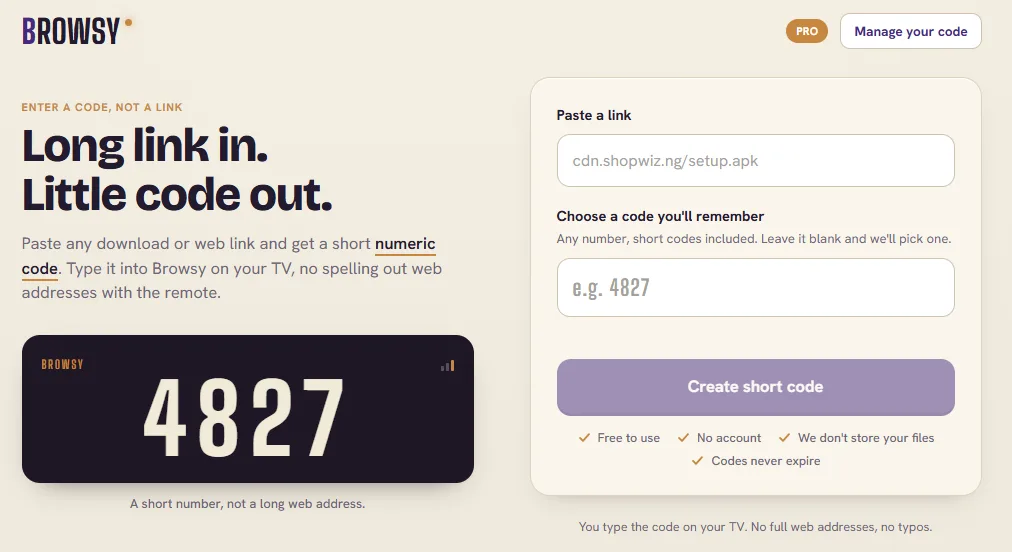
This is the part I am most excited about. Collections are not locked to the app. The code maker on the browsy.app homepage now takes more than one link: keep hitting "Add another link", give the collection a name if you want, and it makes one code that opens them all. Anyone with a browser can build and share a collection without installing anything.
Every code now has its own page you can send
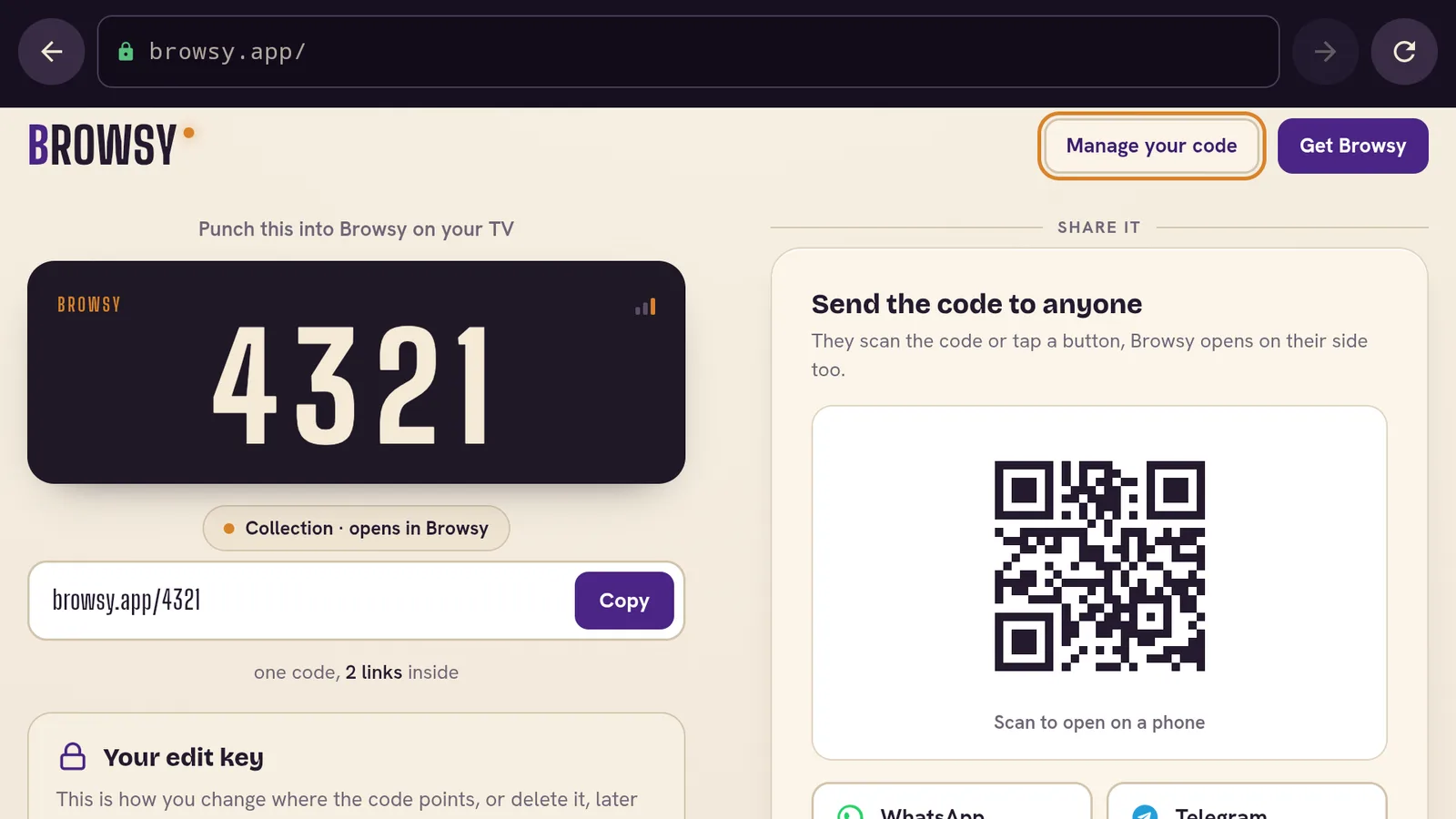
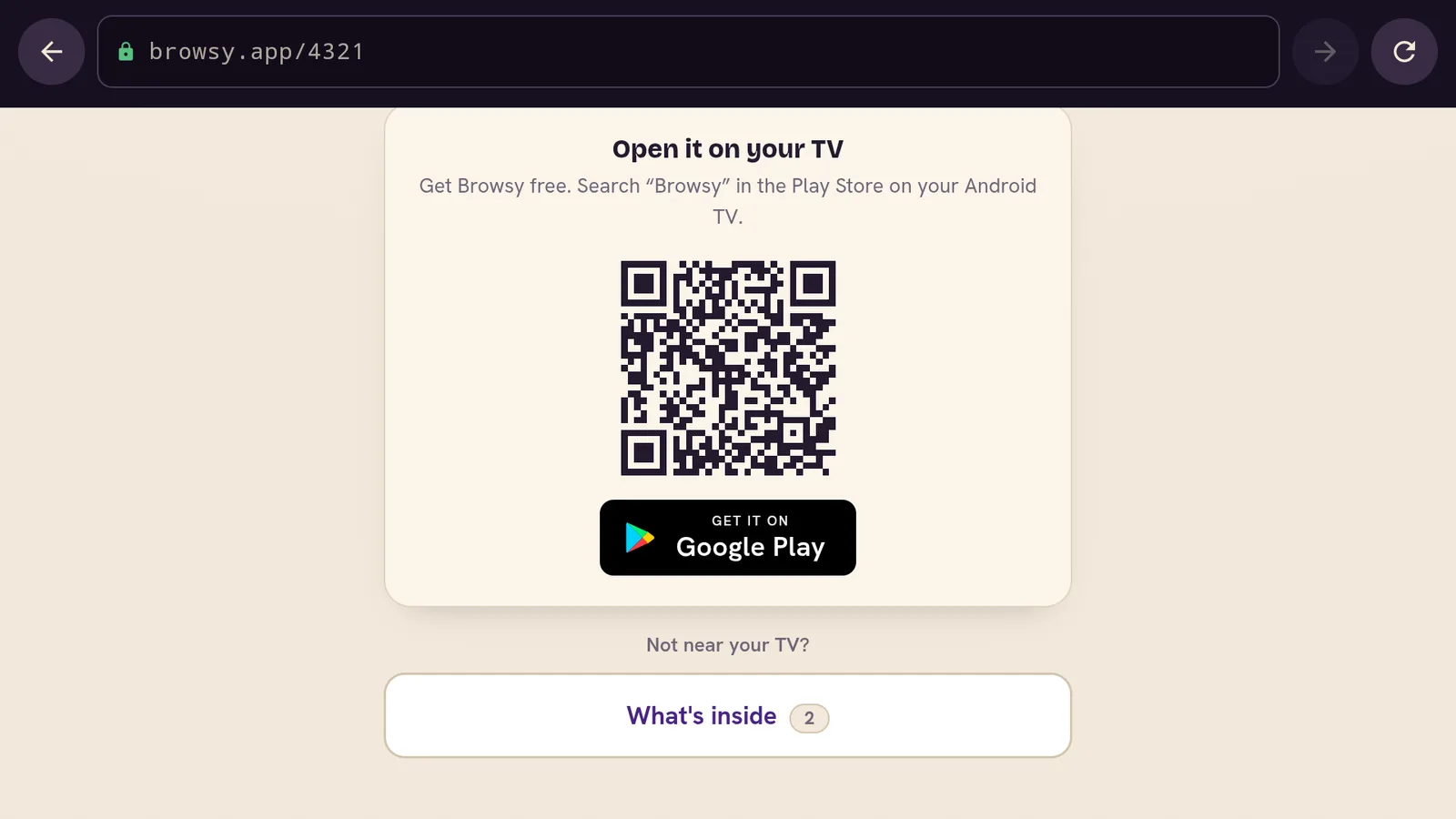
Codes used to be something you read out or typed. Now each one is a link too. Send someone browsy.app/ followed by the code and they land on a proper page for it: "Type this into Browsy on your TV", with a QR code to grab the app if they do not have it yet. Paste the link in a chat and the preview already tells them what to do with it.
Shared collections work even without Browsy
A collection's page goes further. It has a "see what's inside" view that lists every app in the collection, and each one can be downloaded straight from the browser. So one shared code covers everyone: Browsy users type it in, and everyone else clicks and downloads what they want directly.
Change a collection later, keep the same code
Collections are editable. Add an app, swap one out, tidy the list, and the code stays exactly the same. Whoever you gave it to just gets the new contents next time they use it. No re-sending, no "ignore the old code" messages.
Sign in with your email, skip the password
Favorites are useful, so 1.4.0 gives you a way to keep them safe. Sign in with just your email address: a code arrives in your inbox, you enter it, and you are in. There is no password to invent, remember, or reset.
Once you are signed in, your favorites are backed up and follow you to any device you use Browsy on. Signing in also puts you on the Browsy update list, so you hear when new codes and features land. If you ever delete your account, you come off that list automatically.
On a TV, scan the QR code and you are in
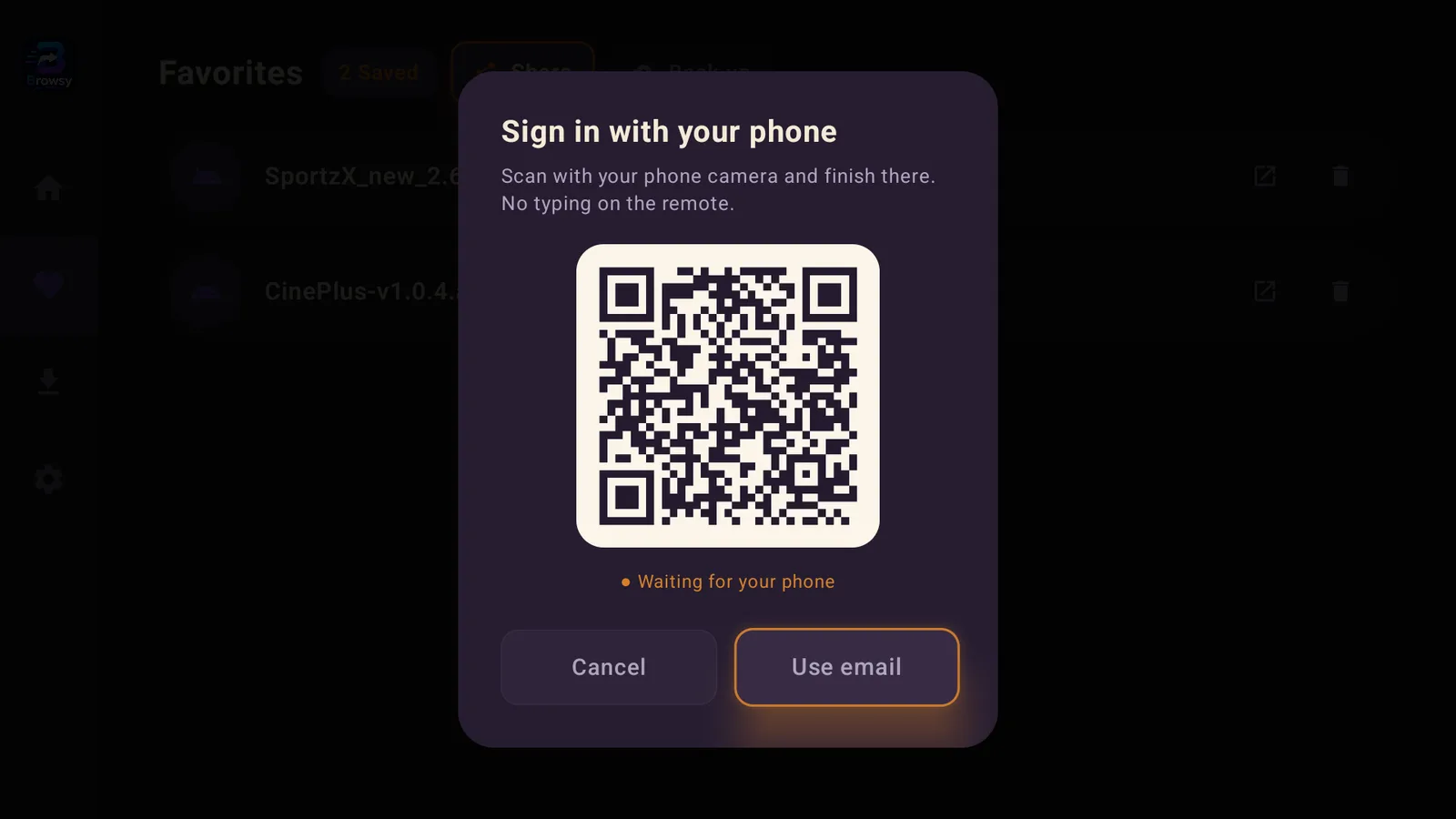
Typing an email address with a TV remote is nobody's idea of fun. On a TV, Browsy skips it: a QR code pops up on screen, you scan it with your phone, and a page on browsy.app signs your TV in for you. No remote typing at all.
Smaller touches you will notice
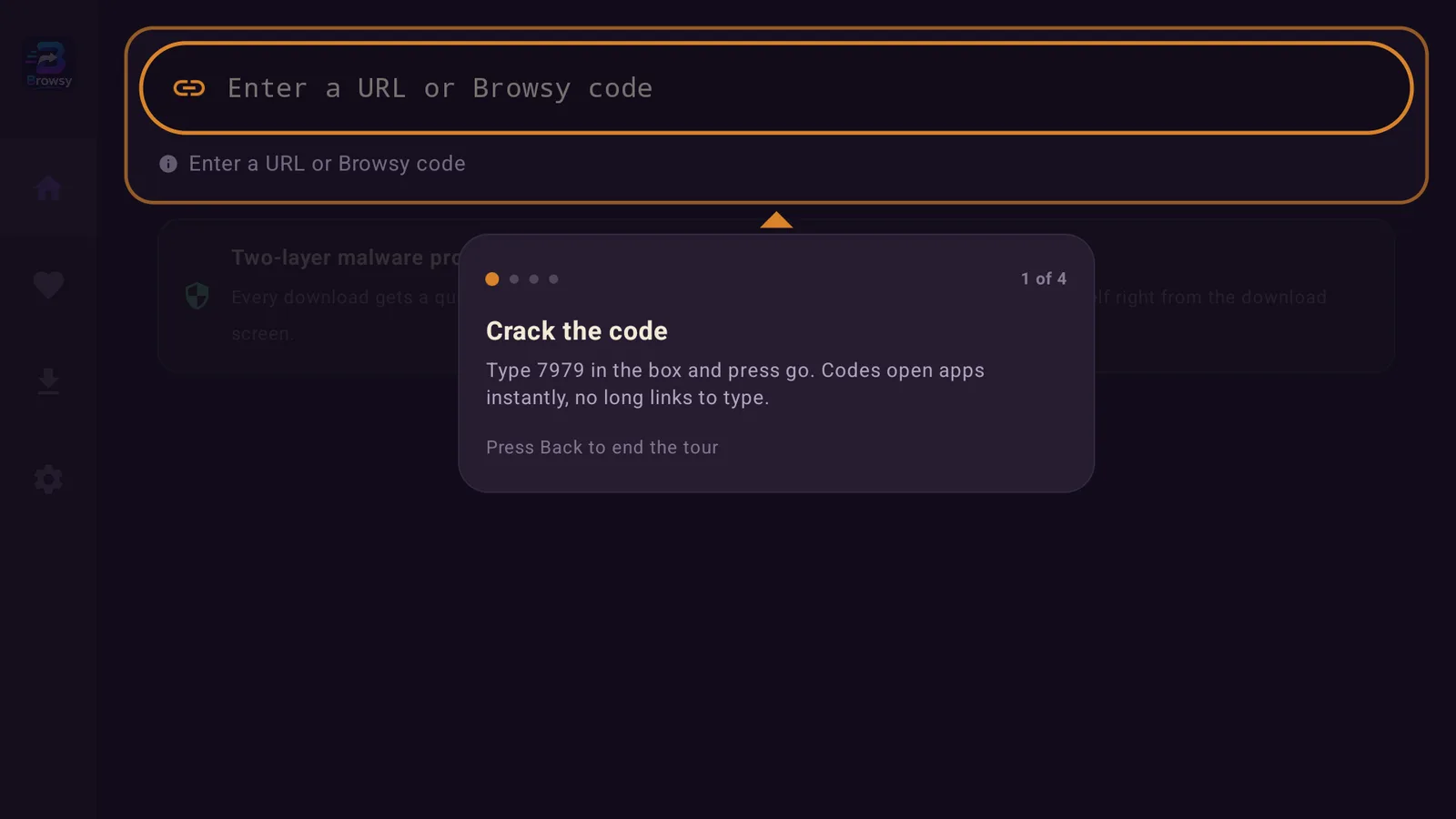
First-time users now get a quick tour when they open the app, so the code system makes sense right away. After a couple of good downloads, Browsy politely asks for a rating. One ask, not a nag. The browsy.app homepage got a facelift too: it leads with getting Browsy itself, opening links in the browser is now an opt-in choice instead of the default, and the new features are flagged with little "New" tags so you can spot what changed.
Delete your account any time, even after uninstalling
Account control is part of this update too. There is a page on browsy.app where you can delete your account and everything tied to it, and it works even if you already removed the app from your device. You prove it is you with a code sent to your email, and it is gone, including your spot on the update list. The privacy policy has been rewritten in plain words so you can see exactly what an account stores.
New to Browsy? Start here
Browsy is the easiest way to get apps on an ONN box or Android TV: type a short code, get the app. It is not on the Fire TV Stick yet (that is coming; linkdrop.store gets you the same apps on a stick until then). If this update is your first look at it, these will get you going:
- Install Browsy on an ONN TV for the setup walkthrough.
- The complete Browsy code list to see everything you can grab.
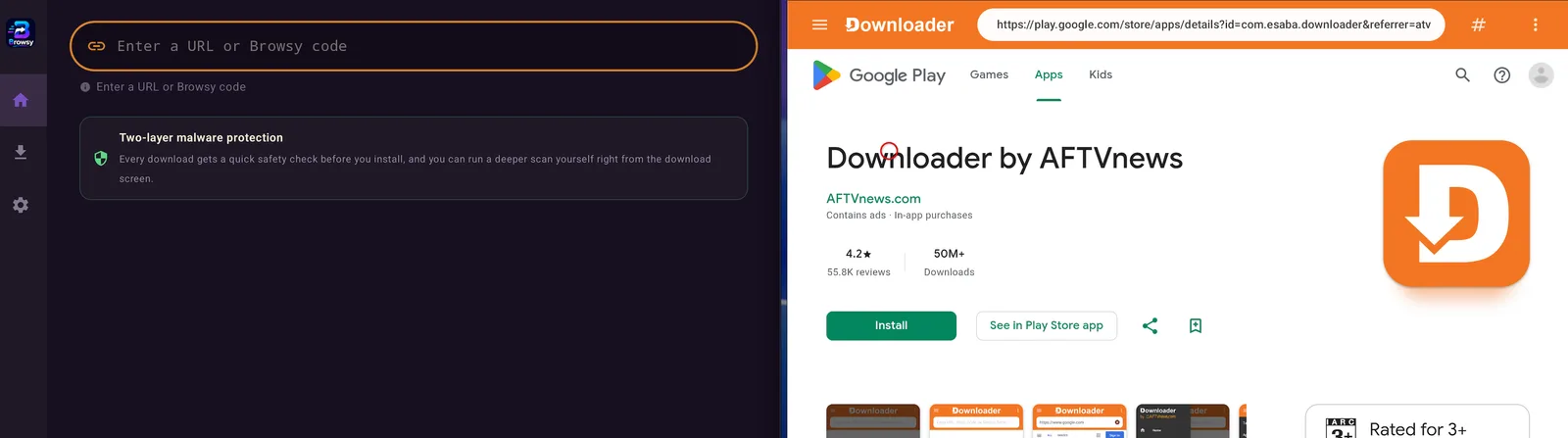
- Browsy vs Downloader if you are wondering how it compares.
- The best Fire Stick app stores for the bigger picture.
One more thing while you are setting up: IPVanish is the VPN I run on my own stick. It keeps what you stream and download private from your internet provider, and it is worth having on before you start filling that favorites list.
Stay private on your Fire Stick with IPVanish
It's the VPN I run on my own Fire Stick. It hides what you stream and sideload from your internet provider, and unblocks a lot more.
Frequently asked questions
Do I need an account to use Browsy?+
No. Codes work exactly as before without signing in. An account only exists to back up your favorites and sync them between devices.
Can someone without the app open a collection I share?+
Yes. Send them browsy.app/ followed by the code. The page shows what is inside the collection and lets them download each app straight from the browser, no Browsy needed.
If I change a collection, do I need to send a new code?+
No. The code stays the same when you edit what is inside. Anyone who has it simply sees the updated contents.
How do I get the update, and does it cost anything?+
It is free, like Browsy itself. Install the new version over your current one, from the same place you got Browsy the first time. Your setup stays put. The website features are already live on browsy.app, nothing to install there.
Does Browsy work on a Fire TV Stick?+
Not yet. Browsy runs on ONN boxes and Android TV today, with Fire Stick support on the way. On a Fire Stick, linkdrop.store gets you the same apps in the meantime, and a collection someone shares with you still opens in your phone's browser so you can see what is inside.
I got a new device. How do I move my favorites over?+
Sign in on the new device with the same email address. Your list comes down with you, that is the whole point of the account.
Can I delete my account if I already uninstalled the app?+
Yes. Use the account page on browsy.app, confirm with the code sent to your email, and your account and data are removed.
Comments0
Join the conversation. Be kind, and no piracy talk.