
How to Install UKTurks on Firestick, Android TV, and ONN 4K (Live TV, Movies and More)
UKTurks is a free all-in-one app for live TV, movies, TV shows, and sports on Fire Stick, ONN, and Android TV. Here is how to install it and get watching in a couple of minutes.
UKTurks is one of those all-in-one apps that does a bit of everything: live TV, movies, TV shows, and sports, all in a single free app. If you want one app that covers most of what you watch on a Fire Stick or ONN box, this is a strong one to have. Here is how to install it and get going.
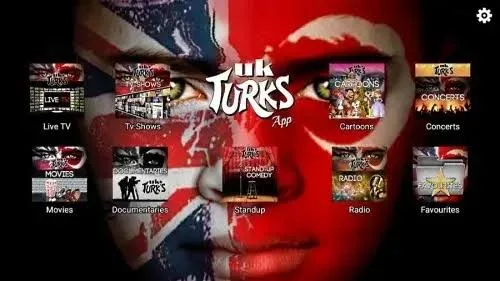
What UKTurks gives you
UKTurks bundles several things most people install separately:
- Live TV across news, entertainment, and sport.
- Movies and TV shows on demand.
- Sports and live events, which is where a lot of people find it most useful.
It is free, there is no subscription, and it runs on Fire Stick, ONN, and Android TV alike.
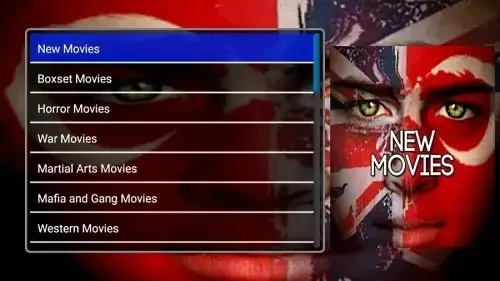
Install UKTurks on a Fire Stick
Install it through our free tools, easiest first:
- Open Downloader and type newstore.tv to install TV Wizard, which sets up the app stores for you.
- Or open LinkDrop at linkdrop.store, click Explore the collection, and find UKTurks.
- Select Install, let it finish, and open it.
Never sideloaded before? Start here: how to sideload apps.
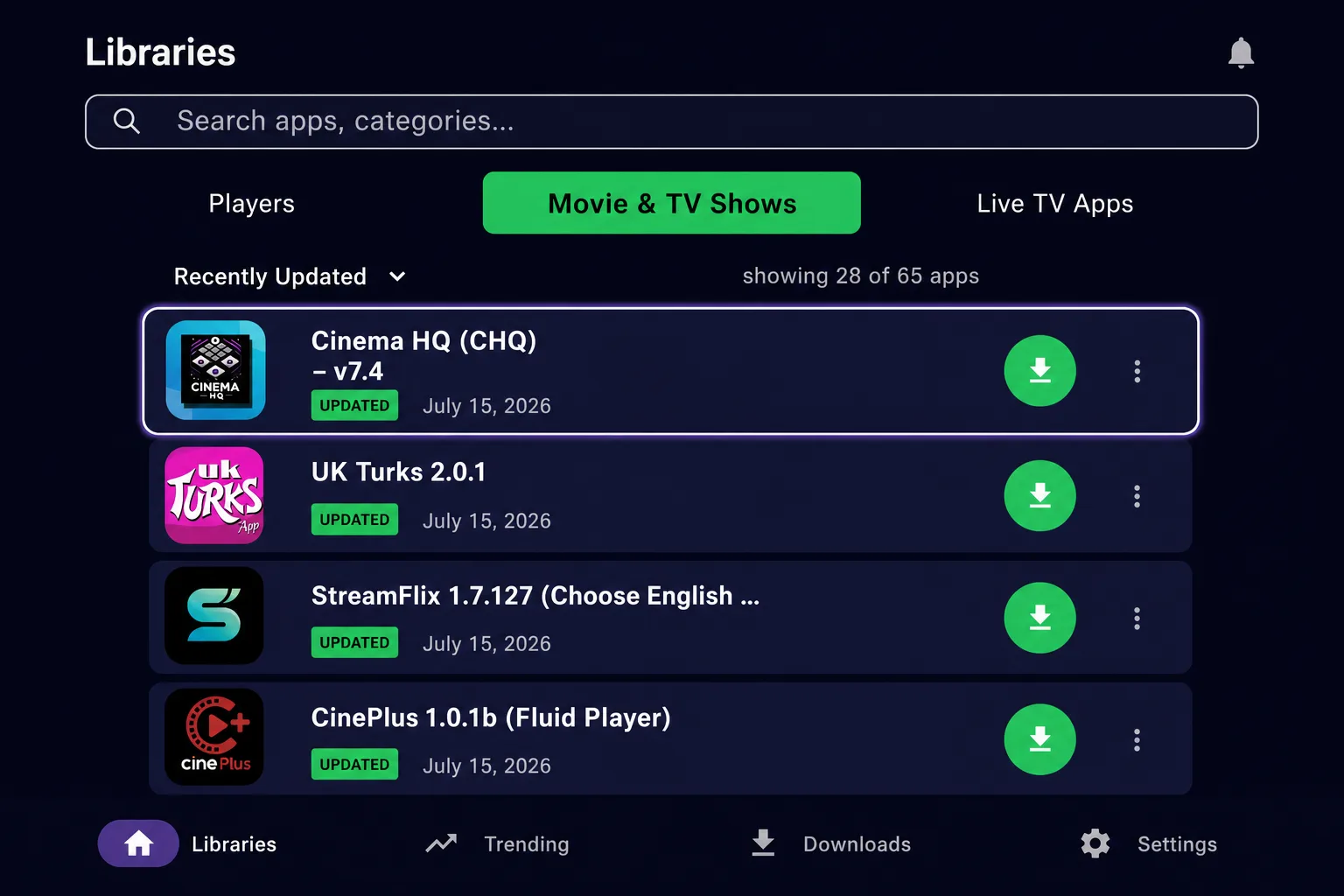
Install UKTurks on an ONN 4K or Android TV box
- Install Browsy from the Google Play Store and use its UKTurks code 20 , or
- Open LinkDrop on the box and install it from the collection.
Open it once installed and you are set. Weighing up the ONN box? See ONN 4K vs Fire Stick.
How to use UKTurks
- Open the app and pick a section: Live TV, Movies, TV Shows, or Sports.
- For live TV, choose a channel and give it a second to load.
- For movies and shows, open a title and pick a streaming link, sorted by quality.
- If a channel or link is slow, back out and try another, there are usually several.
Live TV especially depends on the source being up at that moment, so if one feed is down, a different one for the same channel usually works.
Turn on your VPN first
UKTurks pulls live TV and streams from many sources, so a VPN matters. Without one your provider sees it all and can throttle it. We use IPVanish on a United States server, connect first, then open the app. Here is why.
If UKTurks will not load
- Reconnect your VPN, some live feeds are blocked by certain providers.
- Try a different link or channel source, feeds go up and down.
- Restart the device if it has been running a while.
- Reinstall the latest UKTurks from LinkDrop, live apps update often.
Stay private on your Fire Stick with IPVanish
It's the VPN I run on my own Fire Stick. It hides what you stream and sideload from your internet provider, and unblocks a lot more.
Frequently asked questions
Is UKTurks free?+
Yes. Install it from LinkDrop or TV Wizard and there is nothing to pay.
Does UKTurks have live sports?+
Yes, sports and live events are one of the main reasons people install it. Availability depends on the source being live at the time.
Does it work on ONN and Android TV?+
Yes. Install it with Browsy or LinkDrop on an ONN or Android TV box, same as on a Fire Stick.
A channel keeps buffering, what do I do?+
Connect your VPN, then try a different source for that channel. Live streams depend on the feed being up, so switching sources usually fixes it.
Comments0
Join the conversation. Be kind, and no piracy talk.