
How to Install Reezn TV on Firestick, Android TV, and ONN 4K (Free Live TV, Movies, and Sports)
Reezn is a rare free all-in-one: hundreds of live TV channels, movies, TV shows, and live sports in one light app. Here is how to install it on a Fire Stick, ONN, or Android TV, the tips that make it better, and the honest trade-offs.
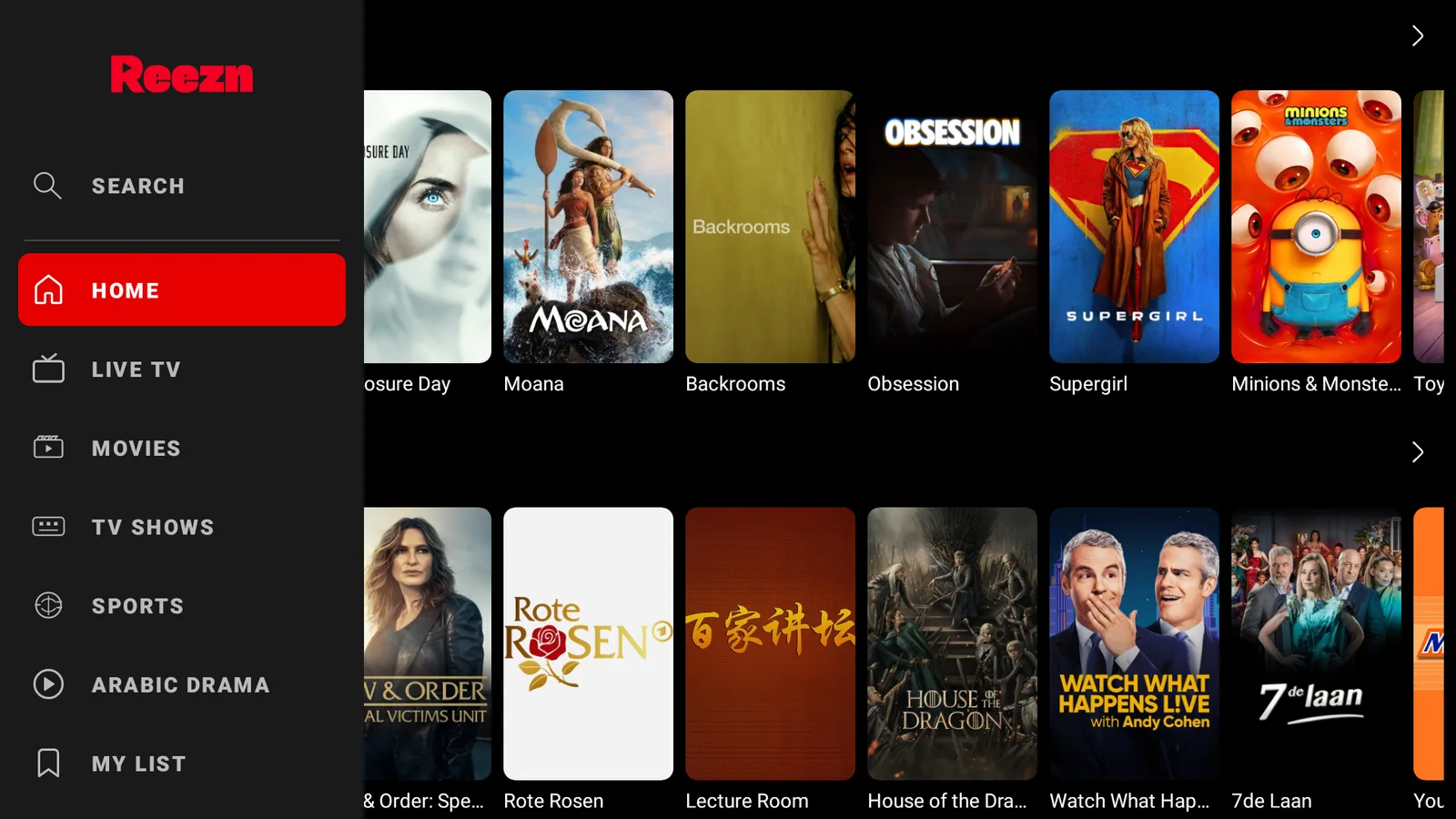
Most free streaming apps pick a lane: live TV, or movies, or sports. Reezn ignores the lane markings. It is one free app with hundreds of live channels, a full movie and TV library, live sports, and even Arabic drama, packed into a 17MB download that scans clean. It is one of the apps we actually keep installed, and it goes on a Fire Stick in a couple of minutes. Here is how.
What you actually get with Reezn
Reezn is an all-in-one, which is rare for something free:
- Hundreds of live TV channels, news, entertainment, and worldwide feeds.
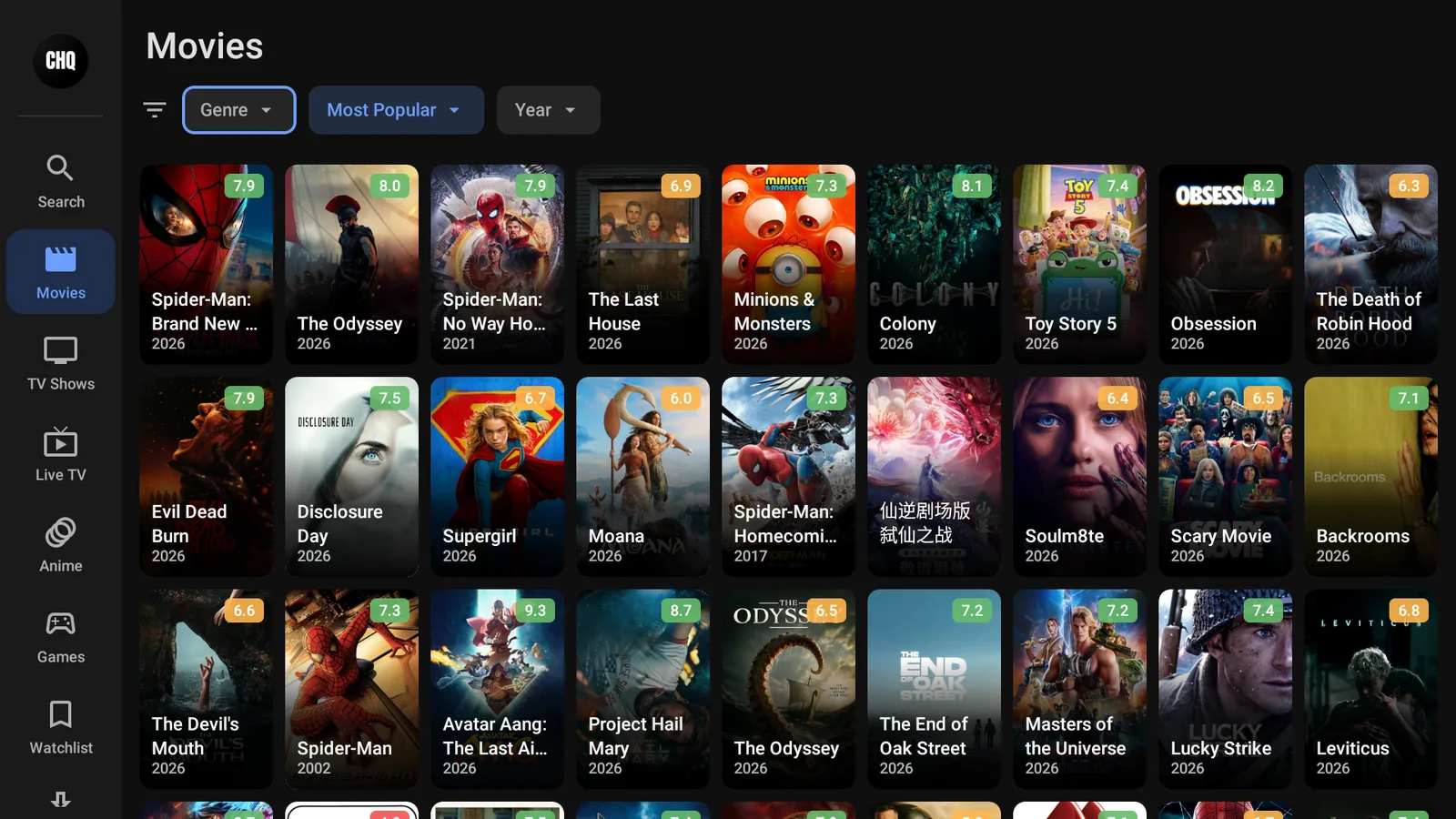
- Movies and full TV series on demand, new releases and older stuff.
- Live sports, the reason a lot of people keep it on the home screen.
- Arabic drama and a My List to save anything you want to come back to.
It runs on Fire Stick, ONN, and Android TV, and it is one of our starred picks (Browsy code 5).
The honest bit: free, with a couple of trade-offs
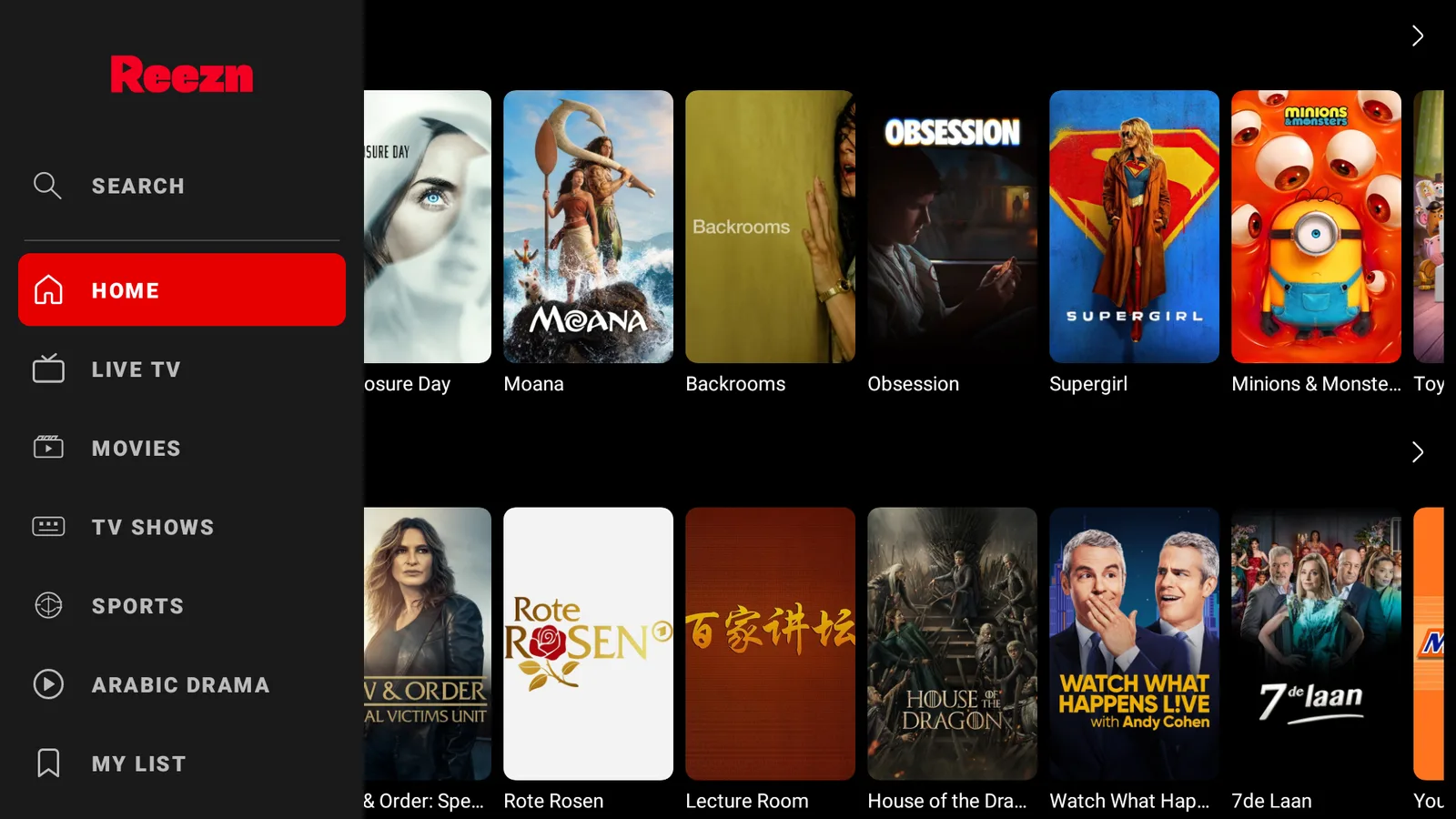
Reezn is genuinely free. You can tap Skip at the sign-in screen and never make an account. Two things to know going in: the free tier shows ads (there is an optional 10-dollar-a-year tier that strips them out, but you never have to pay), and because it pulls from free sources with no Real-Debrid or Trakt, a link can buffer or drop now and then. The nice part is it adjusts stream quality to your connection on its own, so you are not stuck fiddling with settings.
Install Reezn on a Fire Stick
You install it through our free tools. This is the same setup that gets you every other app, so once it is done the rest are a click away.
- In Downloader, enter newstore.tv to grab the TV Wizard. It sets up the app stores for you in one go.
- Run through the Wizard, and when LinkDrop comes up, install it.
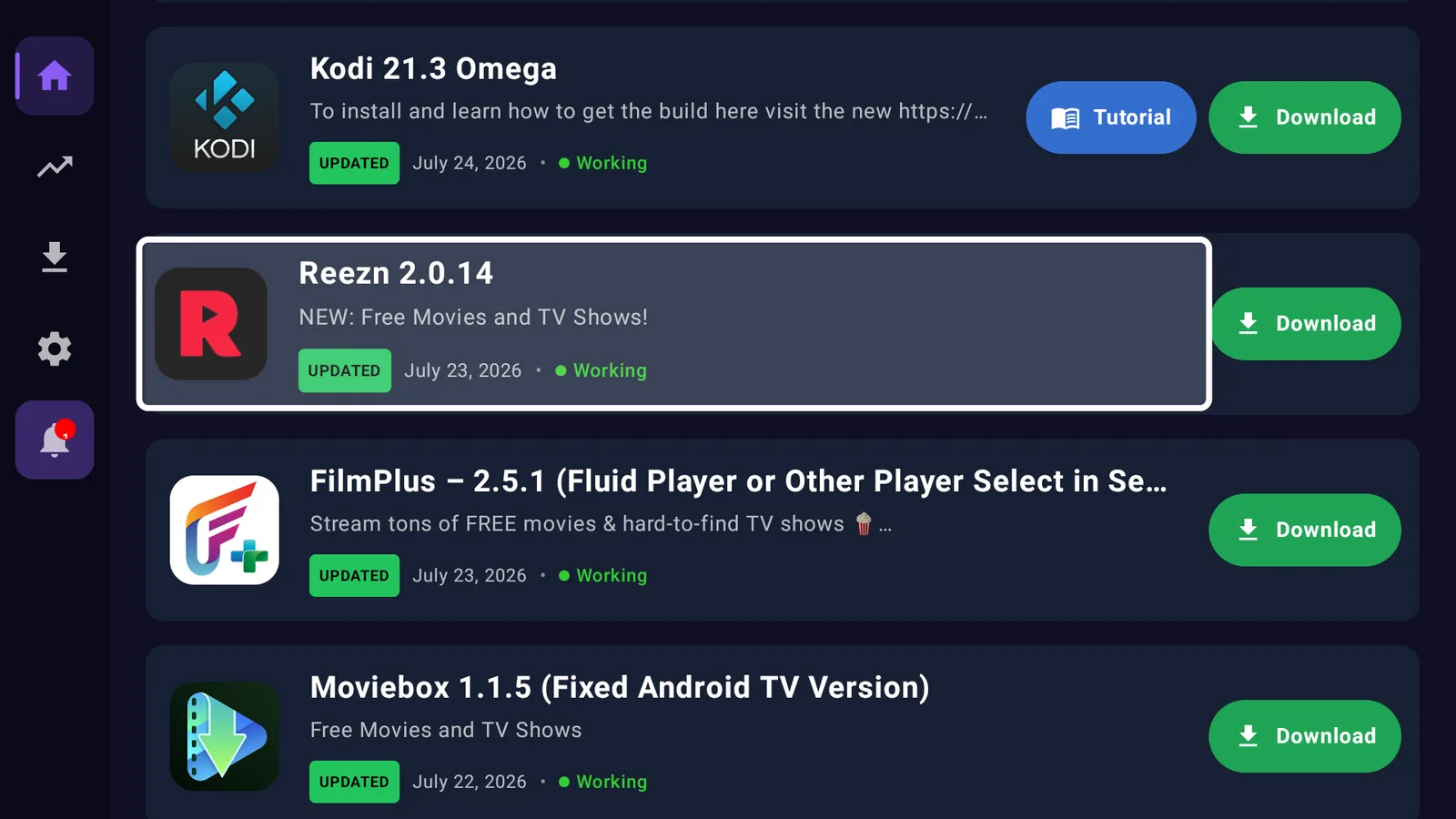
- Open LinkDrop, head to Best Movies & TV Apps (or just search Reezn), and hit Install.
- Open it, tap Skip if you would rather not sign up, and you are in.
First time sideloading? Read this first: how to sideload apps.
Install Reezn on an ONN 4K or Android TV box
- Grab Browsy from the Google Play Store and punch in Reezn code 5 (it lives in our full Browsy codes list), or
- Open LinkDrop on the box and install it from the collection.
New to the ONN box? Here is how it stacks up: ONN 4K vs Fire Stick.
Getting the most out of Reezn
A few things that are easy to miss and make it much better:
- Skip the sign-up. Tap Skip at launch. Everything works without an account.
- Save with My List. Add channels, movies, or shows so you are not searching every time.
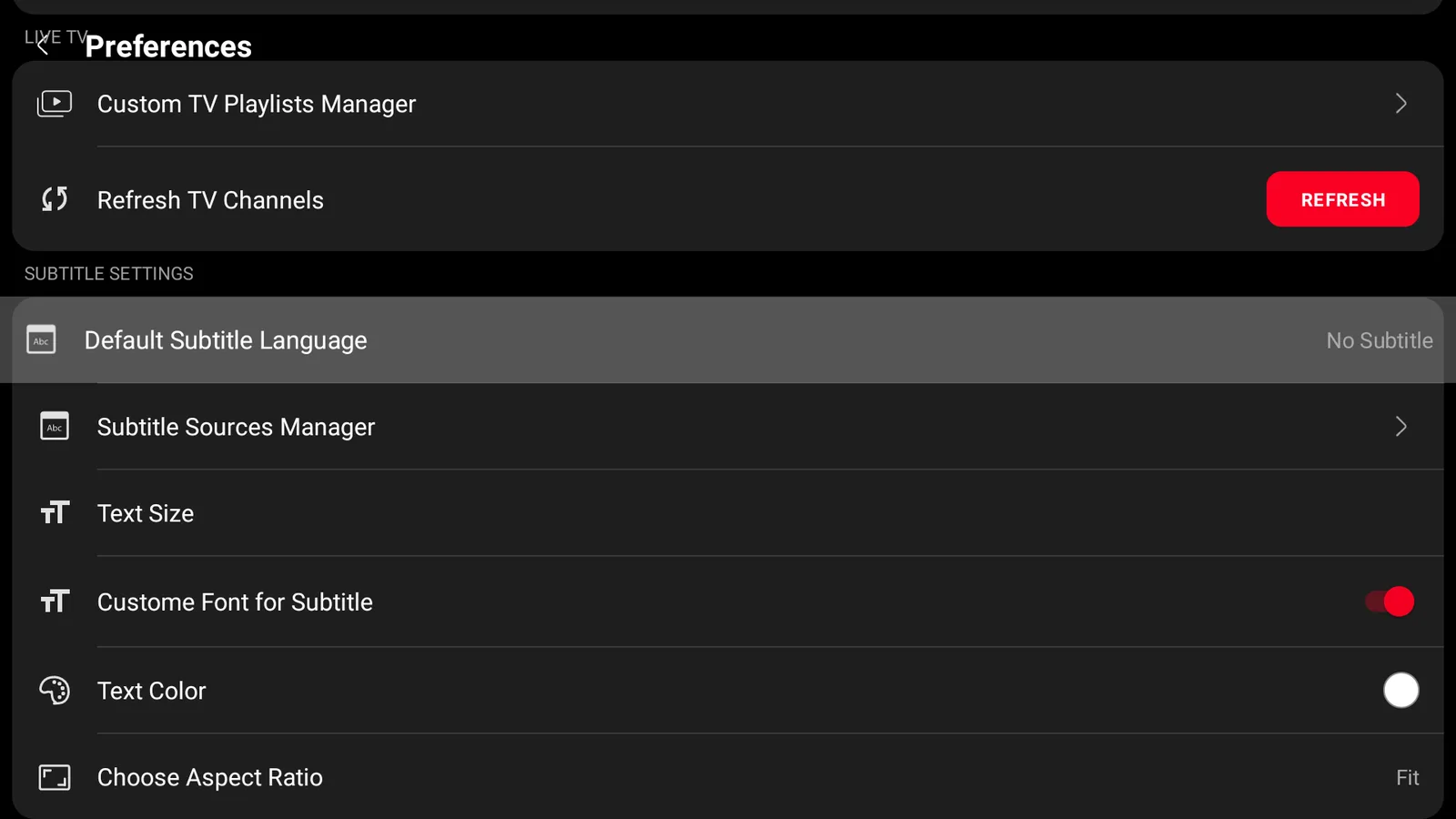
- Open the Preferences. You can choose which sources it uses, turn on and style subtitles, and set an external player for anything that will not play in-app.
- Let it handle quality. Adaptive streaming matches the stream to your connection, so leave it alone unless a feed is clearly struggling.
Turn on your VPN first
Reezn pulls live channels and streams from a lot of free sources, so a VPN earns its place here. Without one, your provider sees everything you watch and can quietly throttle it, which is half of what feels like buffering. We connect IPVanish to a United States server, then open Reezn. The full reasoning is here.
If a stream will not play
- Pick another source. Open the title or channel again and choose a different link, Reezn usually lists a few.
- Reconnect your VPN. Some feeds are blocked on certain providers.
- Set an external player. If nothing plays in-app, choose one in Preferences and try again.
- Update Reezn from LinkDrop. Free apps change often, and a stale version quietly loses sources.
Stay private on your Fire Stick with IPVanish
It's the VPN I run on my own Fire Stick. It hides what you stream and sideload from your internet provider, and unblocks a lot more.
Frequently asked questions
Is Reezn really free?+
Yes. Skip the sign-in and stream for nothing. There is an optional 10-dollar-a-year tier that removes ads, but paying is never required.
Does Reezn have live TV and sports?+
Yes, that is its strong suit: hundreds of live channels plus live sports, alongside the movie and TV library. Live feeds depend on the source being up at the time.
Do I have to make an account?+
No. Tap Skip at the sign-in screen and you go straight in.
Which devices does it work on?+
Fire Stick, ONN, and Android TV. Use the TV Wizard or LinkDrop on a Fire Stick, and Browsy code 5 or LinkDrop on an ONN or Android TV box.
A stream keeps buffering, what helps?+
Connect your VPN and switch to a different source for that title or channel. Reezn uses free links, so swapping the source is almost always the quickest fix.
Comments0
Join the conversation. Be kind, and no piracy talk.