
How to Install AK47 Sports on Firestick or Android TV
AK47 Sports lists today's games by sport with several links for each. Here is how to install it, watch a game, and get past the betting pages it opens.
If you are all about live TV and sports, AK47 Sports deserves a spot on your Fire Stick. It lists the games that are on right now, sorted by sport, and gives you a choice of links for each one. It also has a big set of live TV categories from around the world. Here is how to install it on a Fire Stick, ONN box or Android TV, how to find your way around, and how to deal with the betting pages it throws at you.
What AK47 Sports gives you
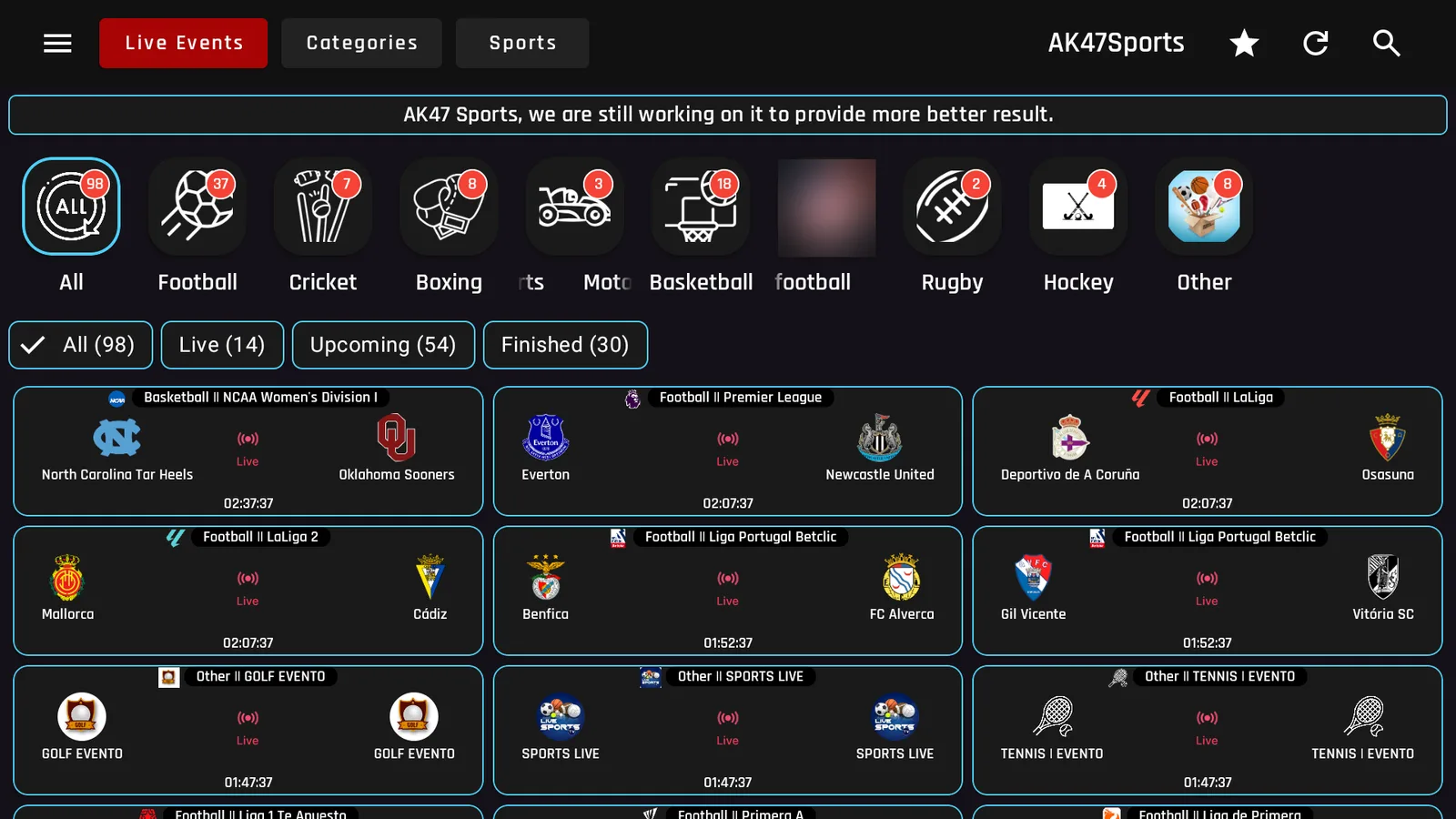
- Live Events: today's games sorted by sport, with filters for Live, Upcoming and Finished.
- Sports: a long list of sports channels and event feeds.
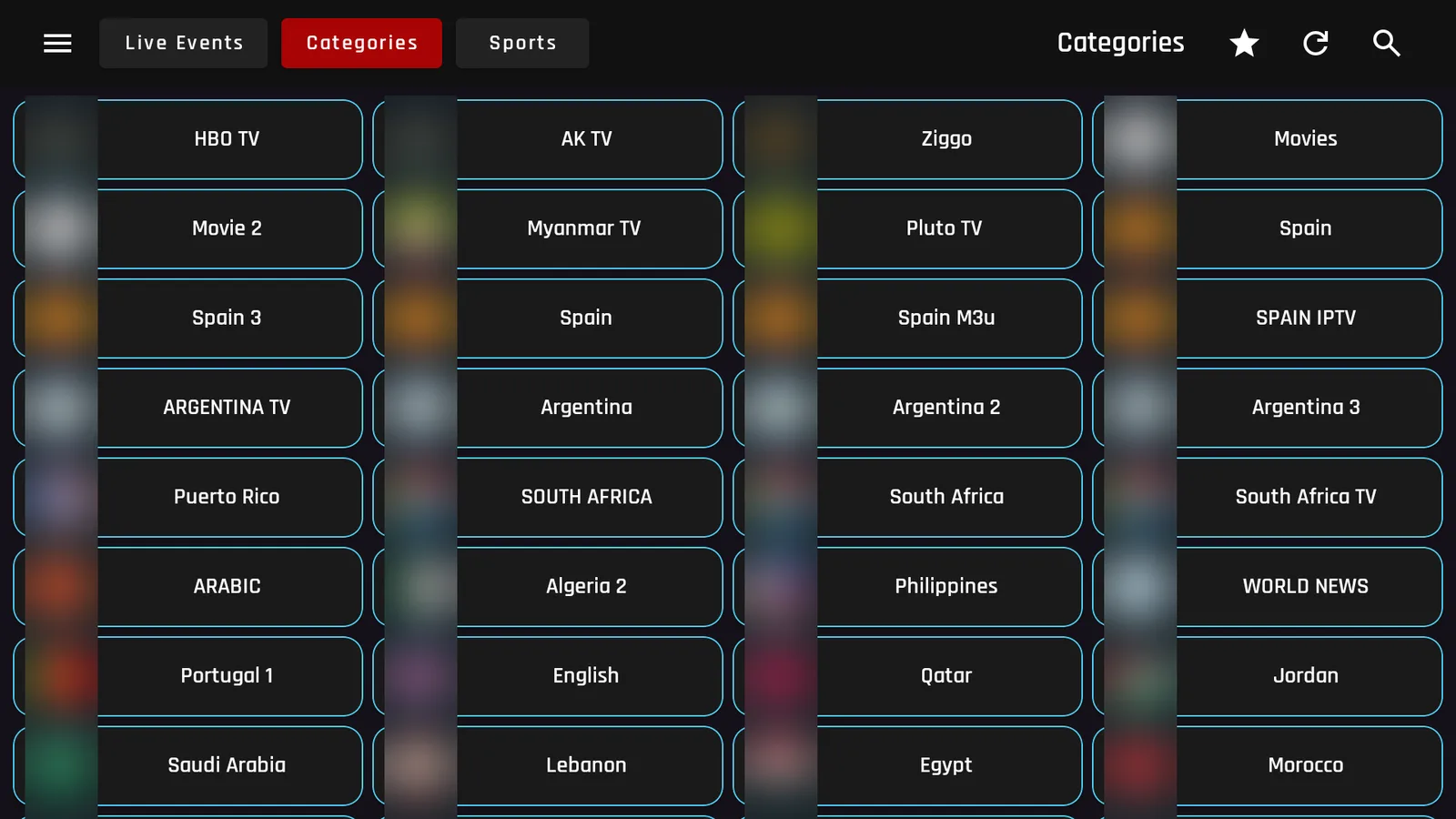
- Categories: live TV lists grouped by country and type, including English, Spanish, Arabic and South African channels, plus movie lists.
- Several links per game, so if one does not work you can try the next.
The version in LinkDrop right now is AK47 Sports 1.6.
Install AK47 Sports on a Fire Stick
AK47 Sports is not in the Amazon Appstore, so you install it through our free tools.
- In Downloader, type newstore.tv to install TV Wizard, my setup app. It puts the app stores in for you in one go.
- Open LinkDrop, either from TV Wizard or by typing linkdrop.store into Downloader and clicking Explore the collection.
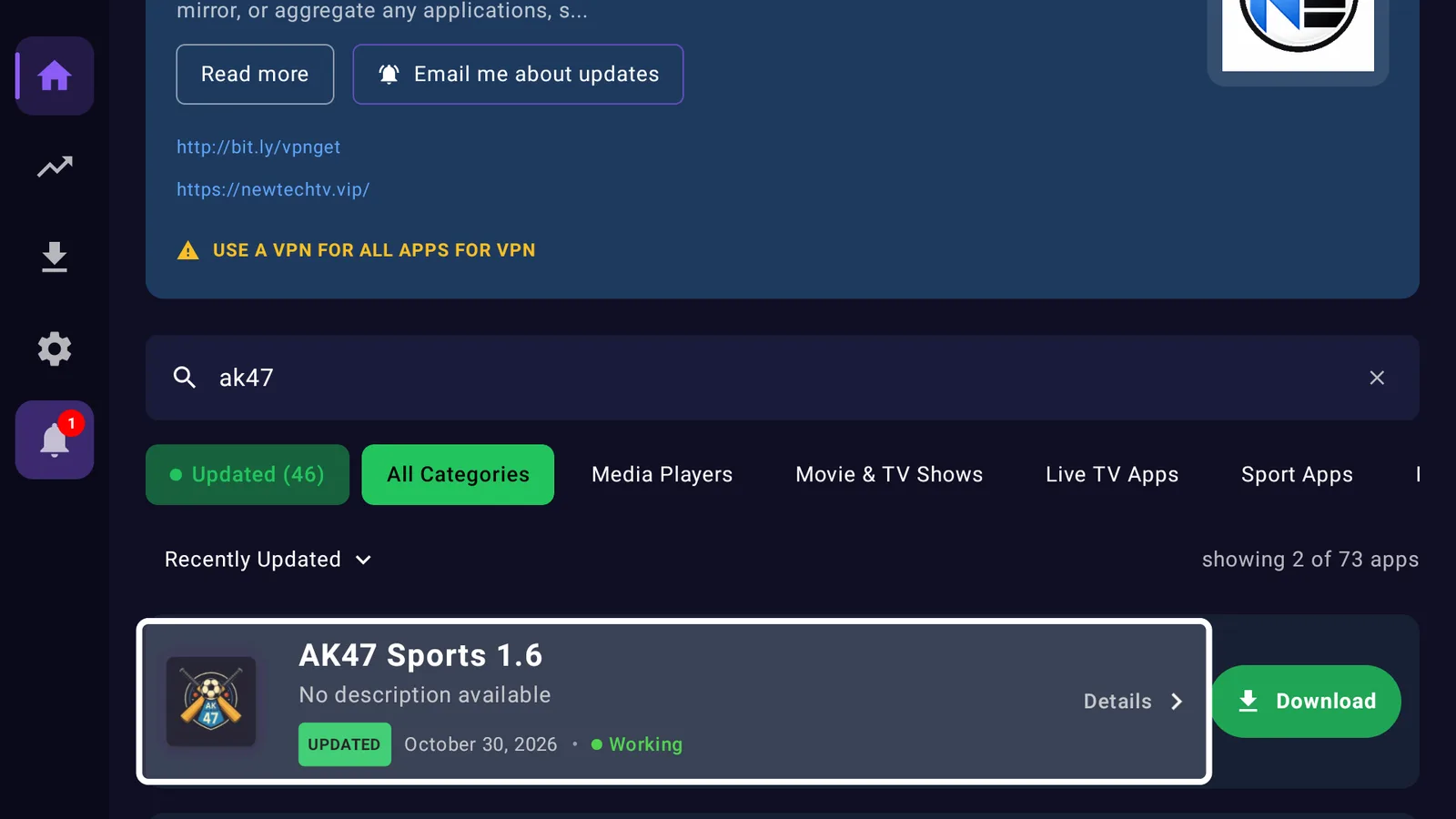
- Search for AK47 and select Download on AK47 Sports.
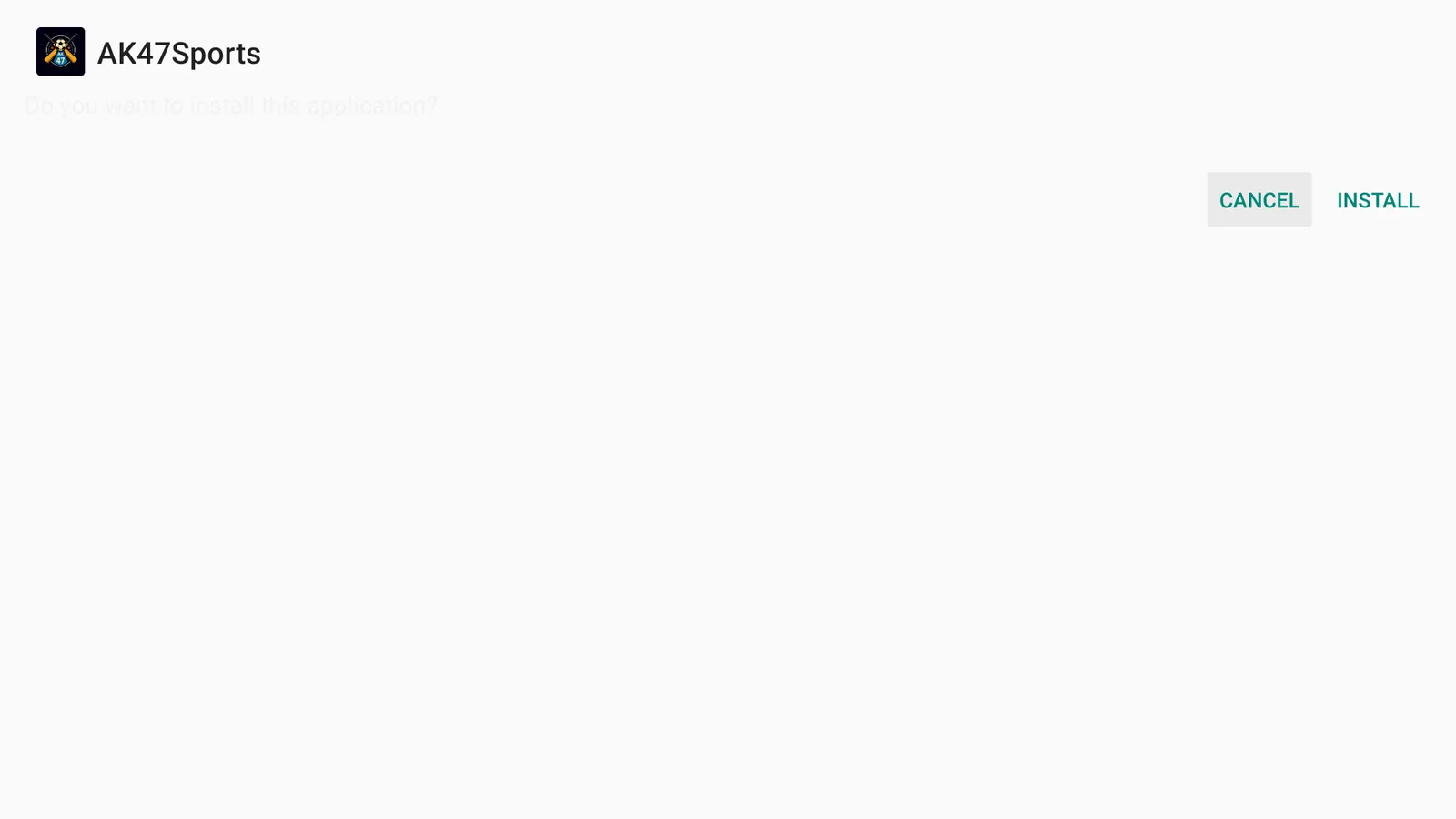
- When your Fire Stick asks if you want to install it, select Install.
- Select Open, or find AK47Sports at the end of Your Apps and Channels.
First time sideloading? The sideloading guide covers every step, and if Downloader is blocked, turn on Install Unknown Apps first.
Install AK47 Sports on an ONN 4K or Android TV box
Open LinkDrop on the box, search for AK47, and install it from there. Prefer Browsy? AK47 is on the full Browsy code list.
First launch: get past the betting page
Here is the part to know before you start. The first time I opened AK47 Sports, it showed its loading screen and then opened a betting website in the Fire TV browser. It is advertising built into the app, and nothing is wrong with your device.
- Press Back on your remote.
- When the Fire TV asks if you want to leave the browser, choose Exit.
- You land back in AK47 Sports on the Live Events tab.
Do not sign up, register or enter any details on these pages. When I opened the app a second time, it went straight to Live Events.
Watching a game
- On Live Events, pick a sport along the top, or leave it on All.
- Choose Live to see only what is on right now.
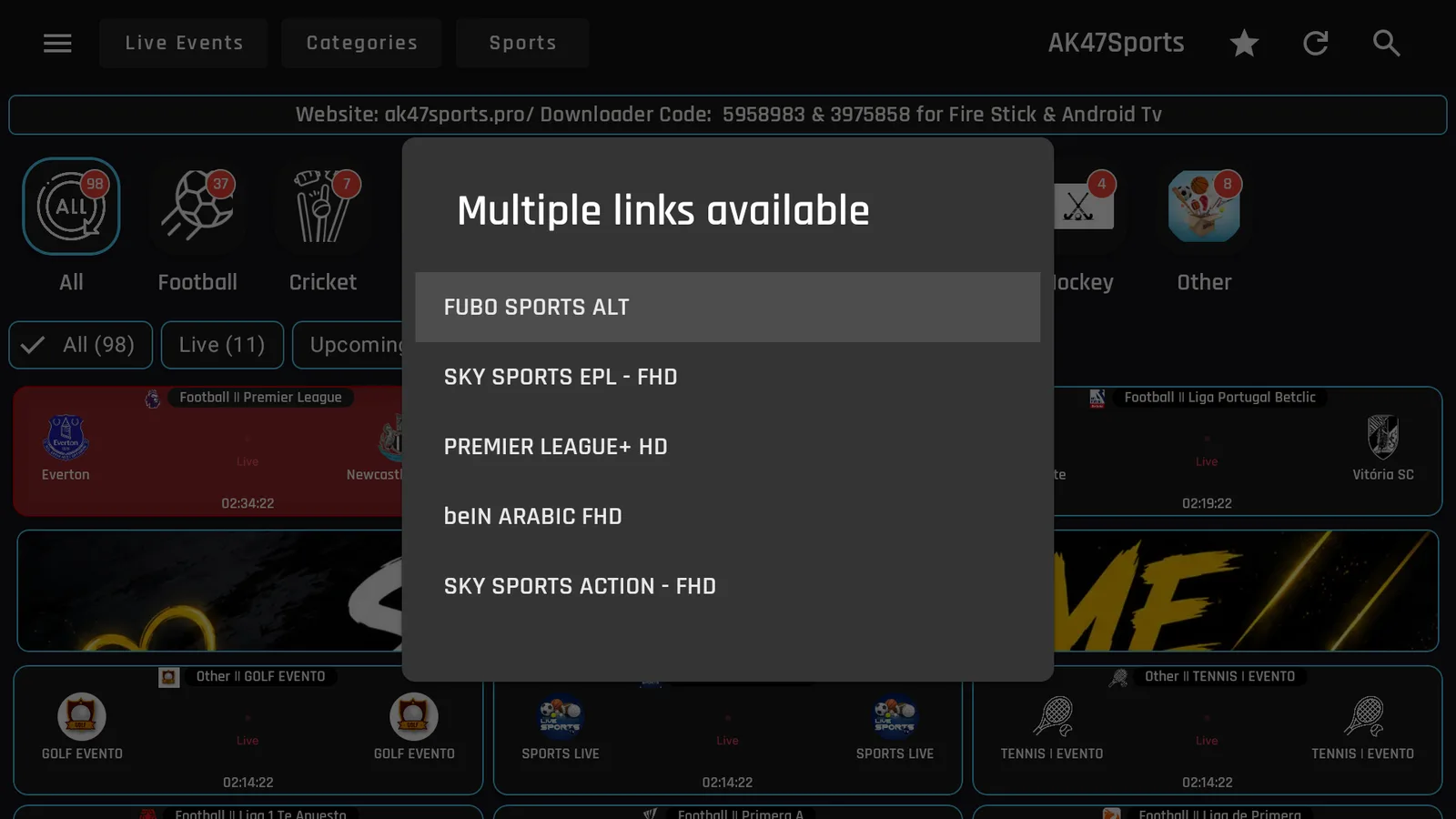
- Select a game. A Multiple links available box pops up with the feeds for that game.
- Pick a link. If it does not play, go back and try the next one on the list.
Picking a link can also open a betting page before the stream. Same fix: press Back, and do not tap anything on the page.
The Sports and Categories tabs
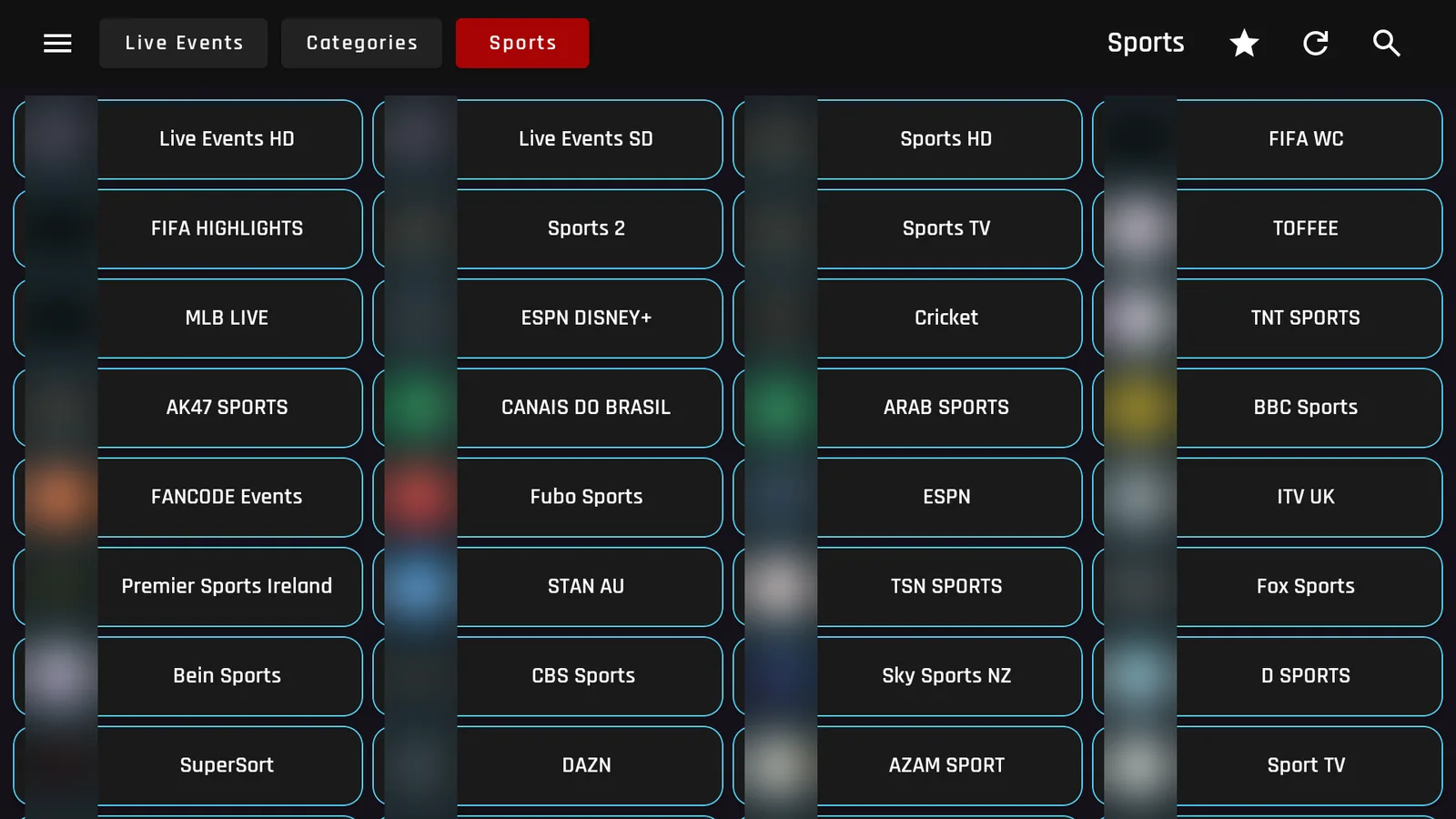
Sports is a grid of sports channels and event feeds, from live event lists in HD and SD to football, cricket, US sports and international sports networks.
Categories is the general live TV side of the app, with lists grouped by country and type. Scroll down for more.
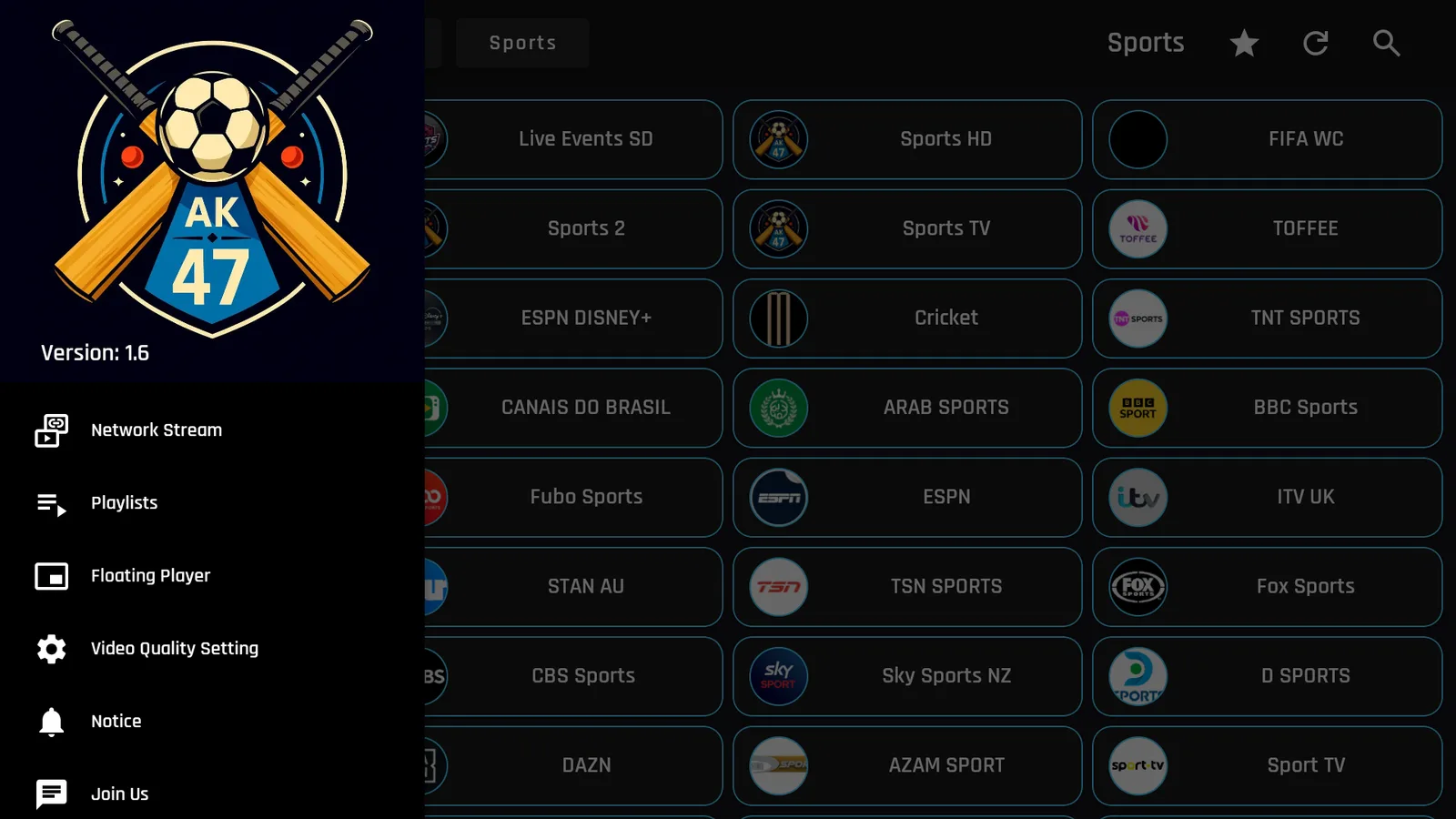
Press the menu button in the top left for a few extra options, including Video Quality Setting, a Floating Player and Playlists.
Turn on your VPN first
Live sports apps pull from a lot of free feeds, so connect a VPN before you stream. Without one, your provider can see what you watch and may throttle it, which is behind a lot of buffering during big games. I use IPVanish on a United States server. Here is why a VPN matters on a Fire Stick.
A VPN is for privacy. It does not make content you are not authorized to watch okay to watch, so stick to what is legally available where you live.
If a game will not play
- Go back and try the next link in the Multiple links available box.
- Press the refresh button in the top right to reload the events list.
- Reconnect your VPN.
- Check the game is actually live. Upcoming games will not play until they start.
- Reinstall the latest AK47 Sports from LinkDrop.
Stay private on your Fire Stick with IPVanish
It's the VPN I run on my own Fire Stick. It hides what you stream and sideload from your internet provider, and unblocks a lot more.
Frequently asked questions
Why did AK47 Sports open a betting website?+
That is the app's advertising. Press Back, choose Exit if the Fire TV asks, and you return to the app. Do not sign up for anything.
Does AK47 Sports have more than sports?+
Yes. The Categories tab has live TV lists grouped by country, plus some movie lists.
Do I need an account?+
No. There is no sign in.
Is AK47 Sports in the Amazon Appstore?+
No. Install it from LinkDrop, or through TV Wizard with newstore.tv in Downloader.
Does it work on ONN and Android TV?+
Yes. Install it from LinkDrop on the box, or use Browsy.
AK47 Sports is on the November list with the other apps I am running this month.
Comments0
Join the conversation. Be kind, and no piracy talk.