
How to Install and Use SportzX on Firestick in 2026
Install SportzX on compatible Firesticks, add M3U playlists, and fix common Fire TV issues without hunting for random APK links.
SportzX still works on the right Fire TV devices in 2026, but compatibility matters more than the install steps. If your Firestick can still sideload apps, use TV Wizard or LinkDrop to install SportzX, then set it up for live sports or your own M3U playlist.
Check your Firestick first
SportzX is a streaming app built around live sports, including cricket, NFL, soccer, tennis, and hockey. It also includes live news and entertainment content, and it is known for an ad-free layout.
The important part in 2026 is your Fire OS version.
Amazon's Fire OS 10 restrictions affect third-party app installs on newer Fire TV devices. Devices released after 2025, including the Fire TV Stick 4K Max (3rd and 4th Gen), Fire TV Stick Lite (2025 Edition), and Fire TV Cube (4th Generation, 2025), may not install apps like SportzX the normal sideloading way.
SportzX is still a realistic option if you have an older Firestick, especially a pre-2023 model that has not been updated to Fire OS 10.
To check your device:
- Open Settings.
- Select My Fire TV.
- Open About.
- Check your Fire TV model and Fire OS version.
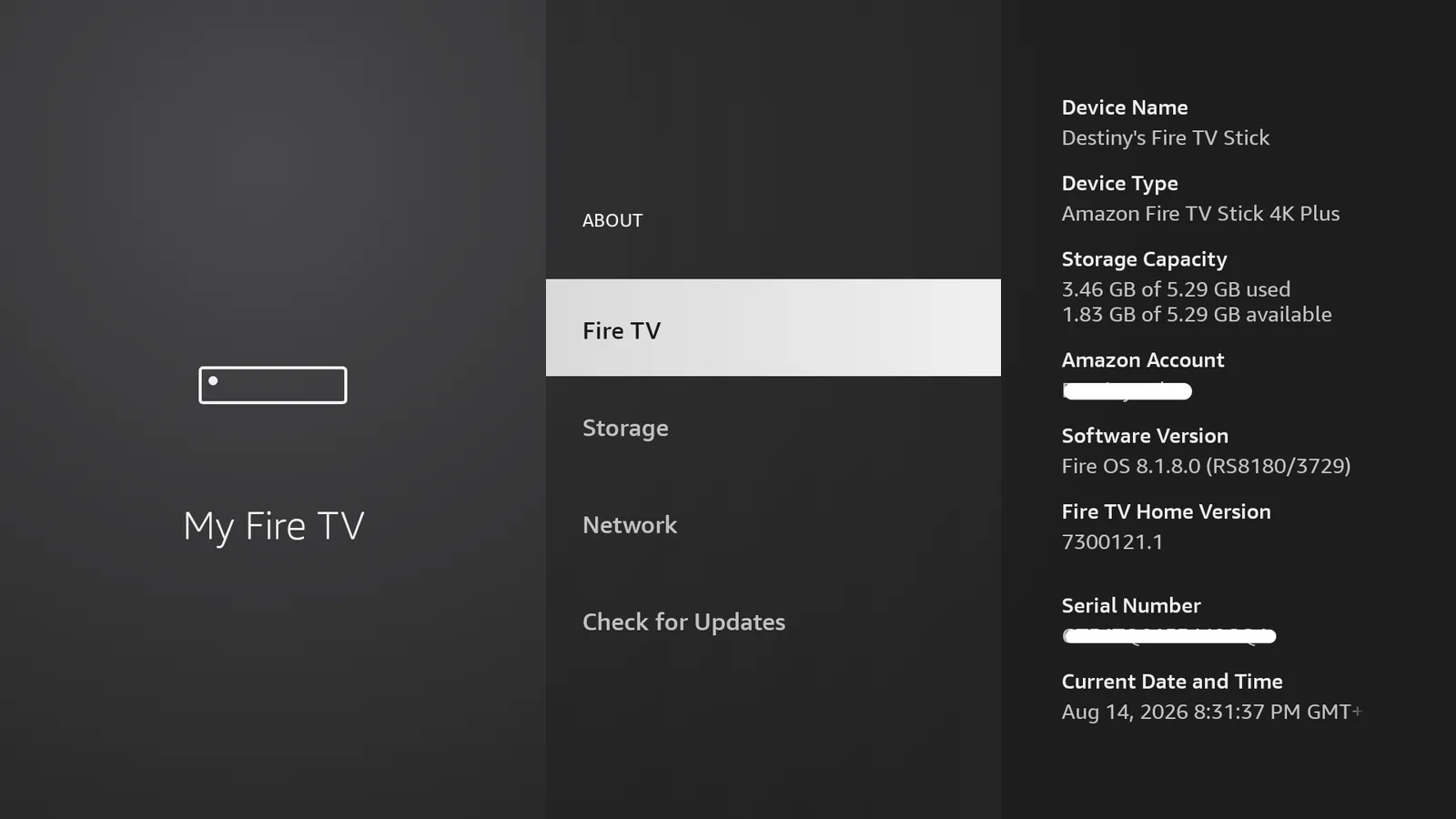
If your device is new and third-party apps will not install, look at my guide on why some newer Firesticks will not run many third-party apps: Firestick Select app restrictions.
What you need before installing SportzX
Before installing SportzX, get these basics ready:
- A compatible Firestick running a Fire OS version before Fire OS 10.
- Downloader installed on the Firestick.
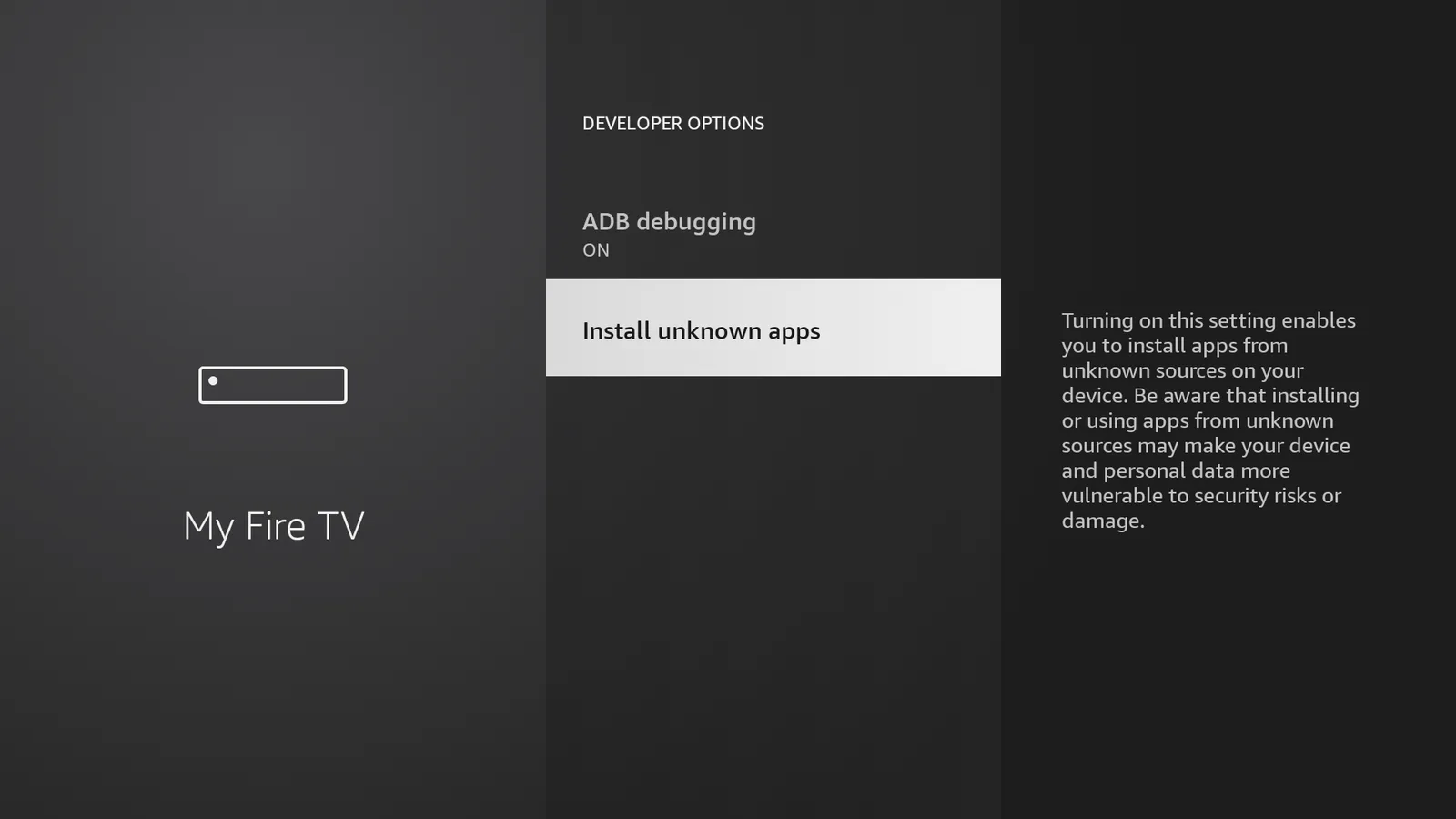
- Install unknown apps enabled for Downloader.
- A stable internet connection, at least 5 Mbps for standard streams, with more speed for HD.
- Enough free storage for the app and its data.
If your Firestick is not set up for sideloading yet, use my full guide on how to sideload apps on Firestick with Downloader. If Developer Options is missing or the unknown apps setting is confusing, follow this Developer Options guide first.
Easiest install method, use TV Wizard
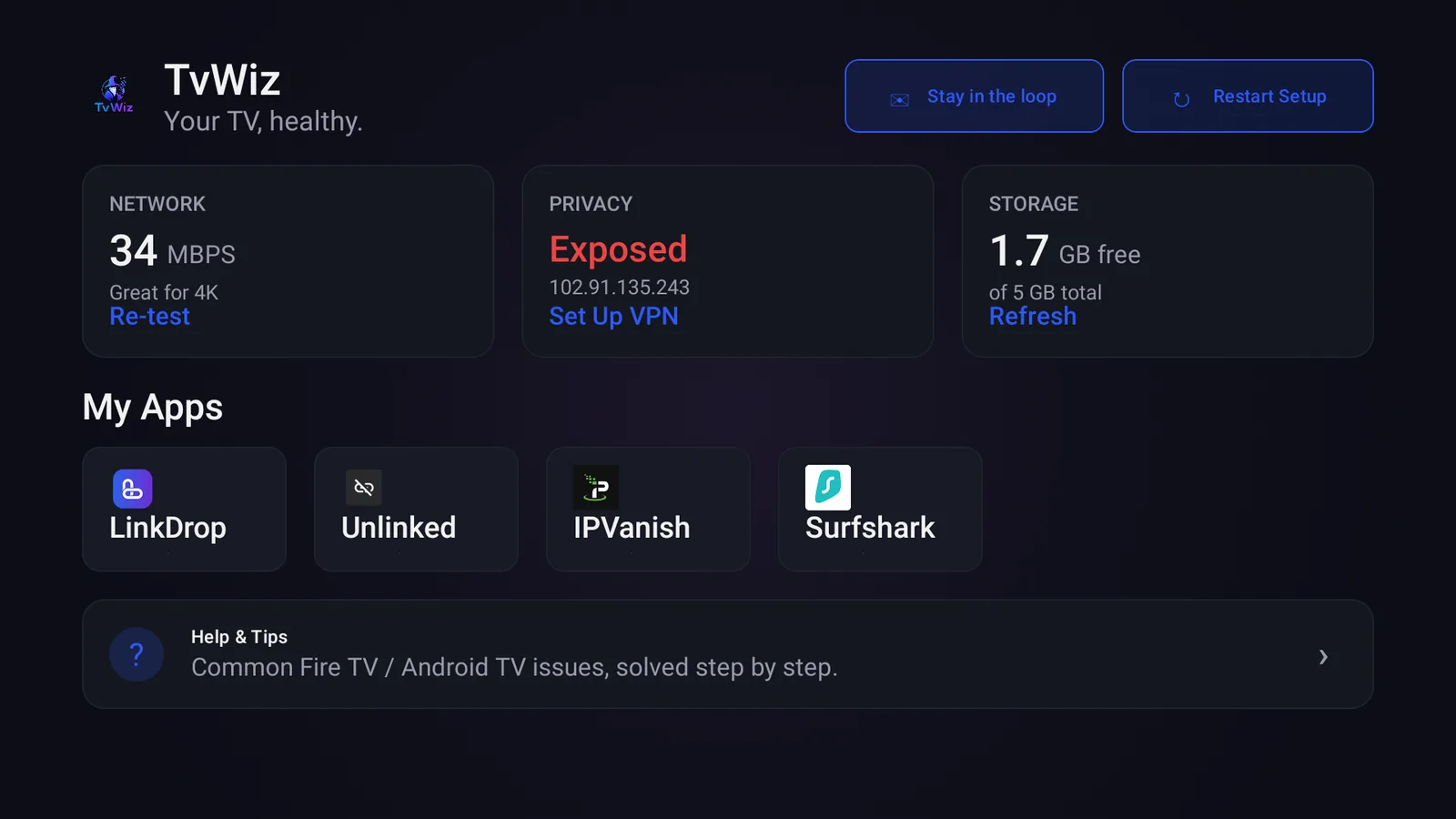
The easiest way to get SportzX is to use TV Wizard first. TV Wizard is my own setup app, and it installs the app stores for you so you can skip adding them one by one.
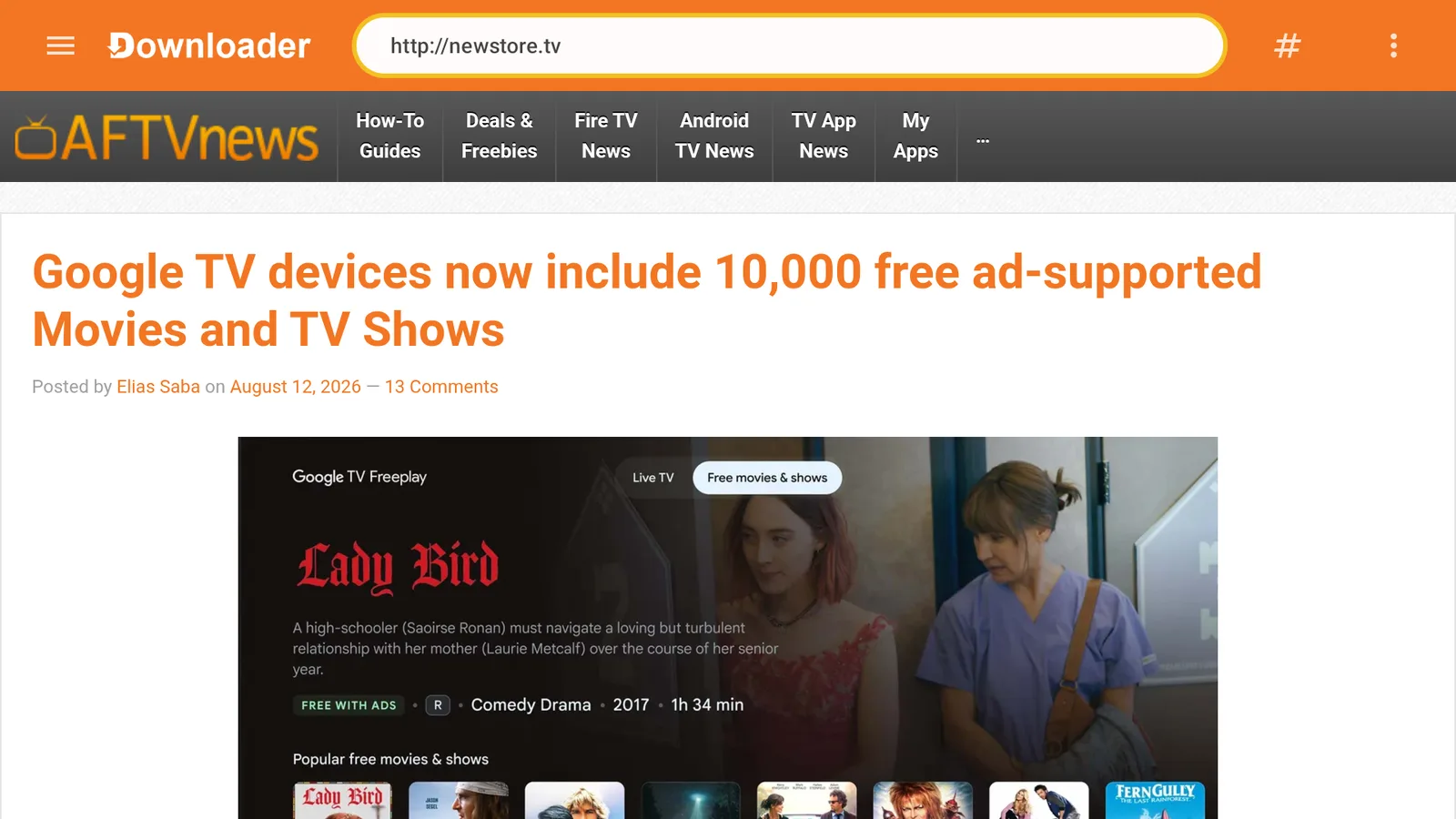
- Open Downloader.
- Select the URL box.
- Type newstore.tv.
- Install TV Wizard.
- Open TV Wizard and use it to add the app stores.
- Open LinkDrop after TV Wizard finishes.
- Find SportzX and install it.
If you want a cleaner Firestick before installing apps, run through the basics in the Firestick setup checklist.
Direct LinkDrop method
LinkDrop is my own store, and it is the store to use when you want to actually find and install apps like SportzX.
Use this method if you already have Downloader ready:
- Open Downloader.
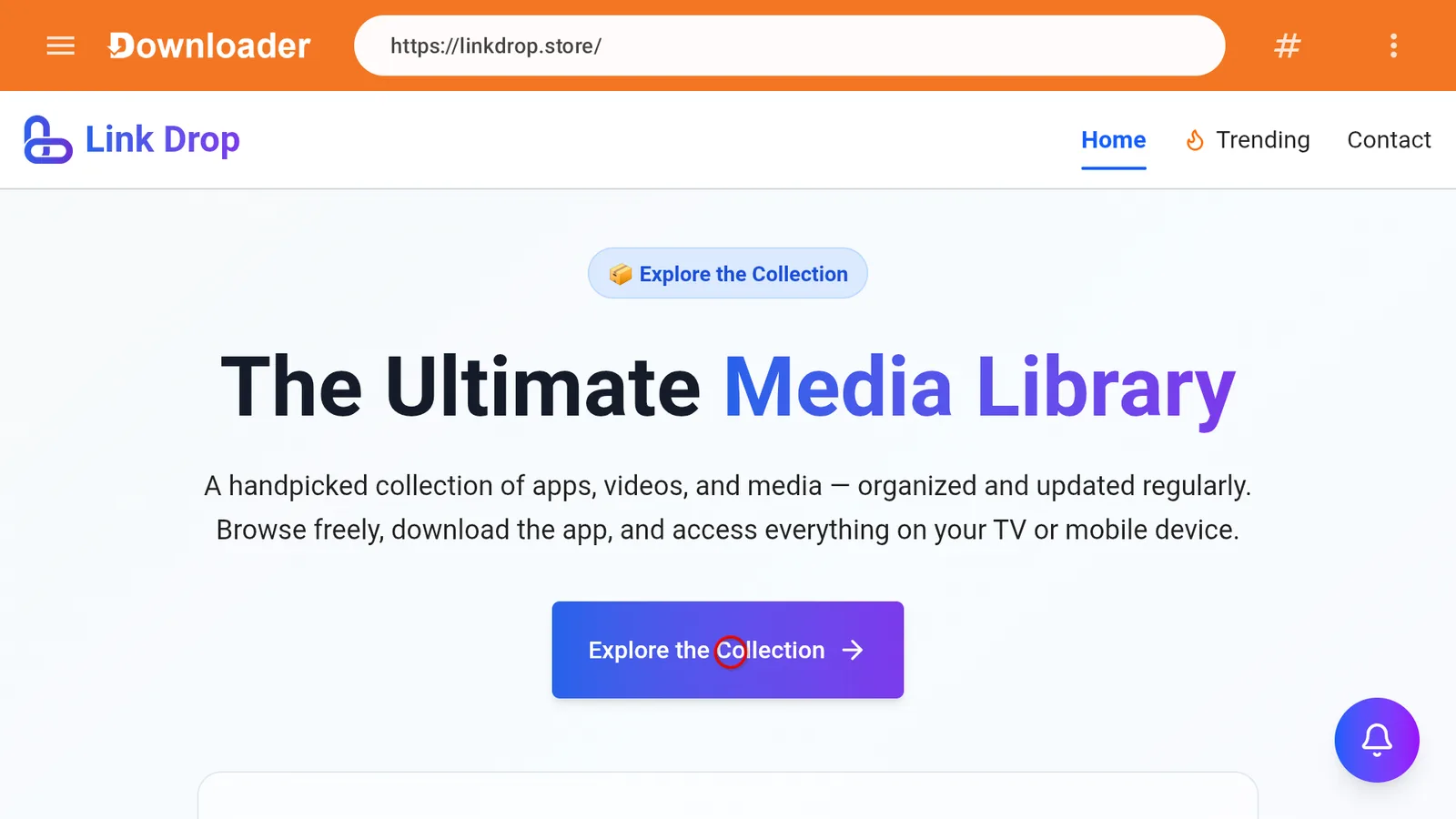
- Type linkdrop.store.
- Wait for the page to open.
- Click Explore the collection.
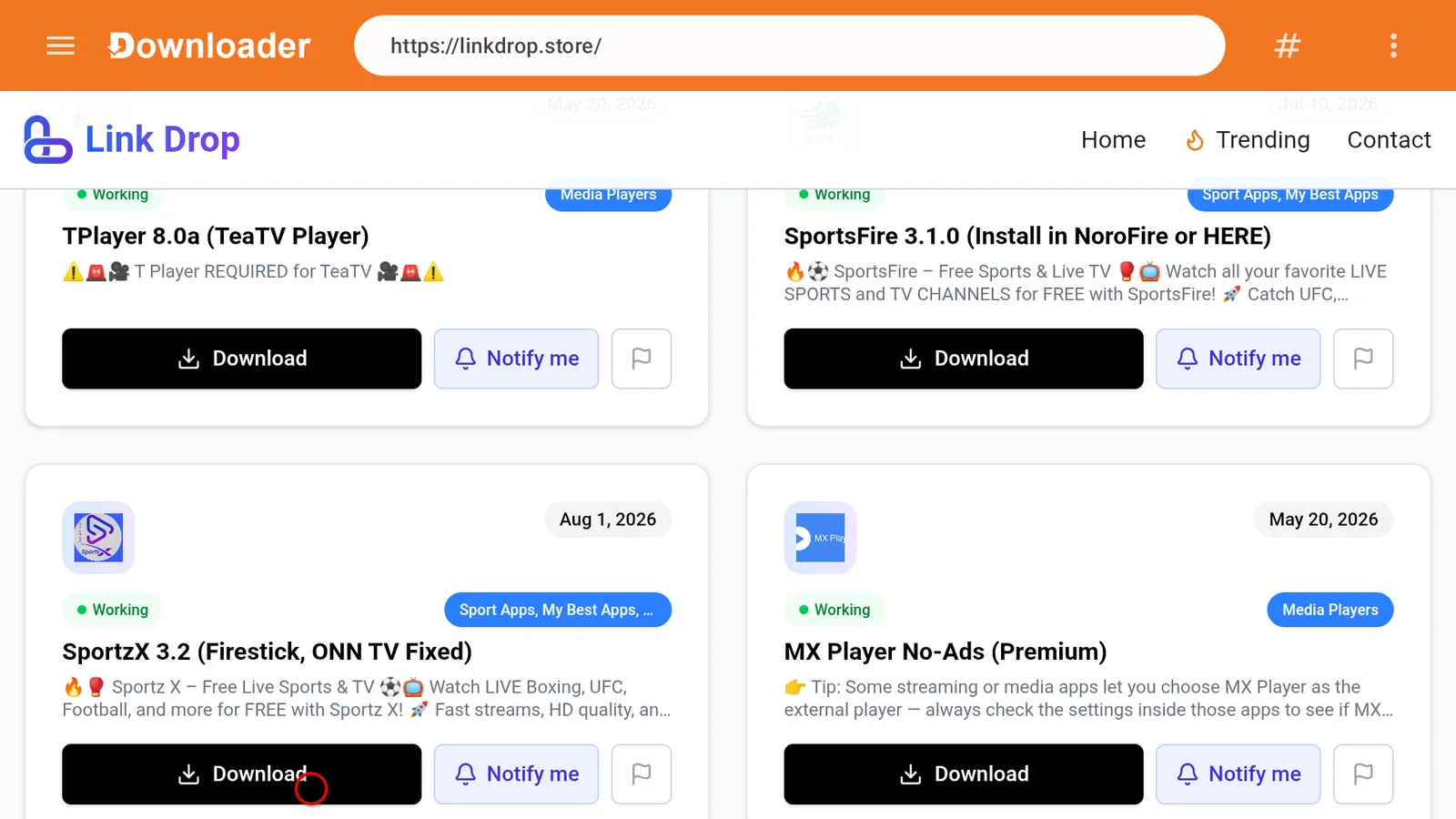
- Find SportzX in the library.
- Select SportzX.
- Install the app.
- Open SportzX from Your Apps and Channels.
No code is needed for LinkDrop.
First setup inside SportzX
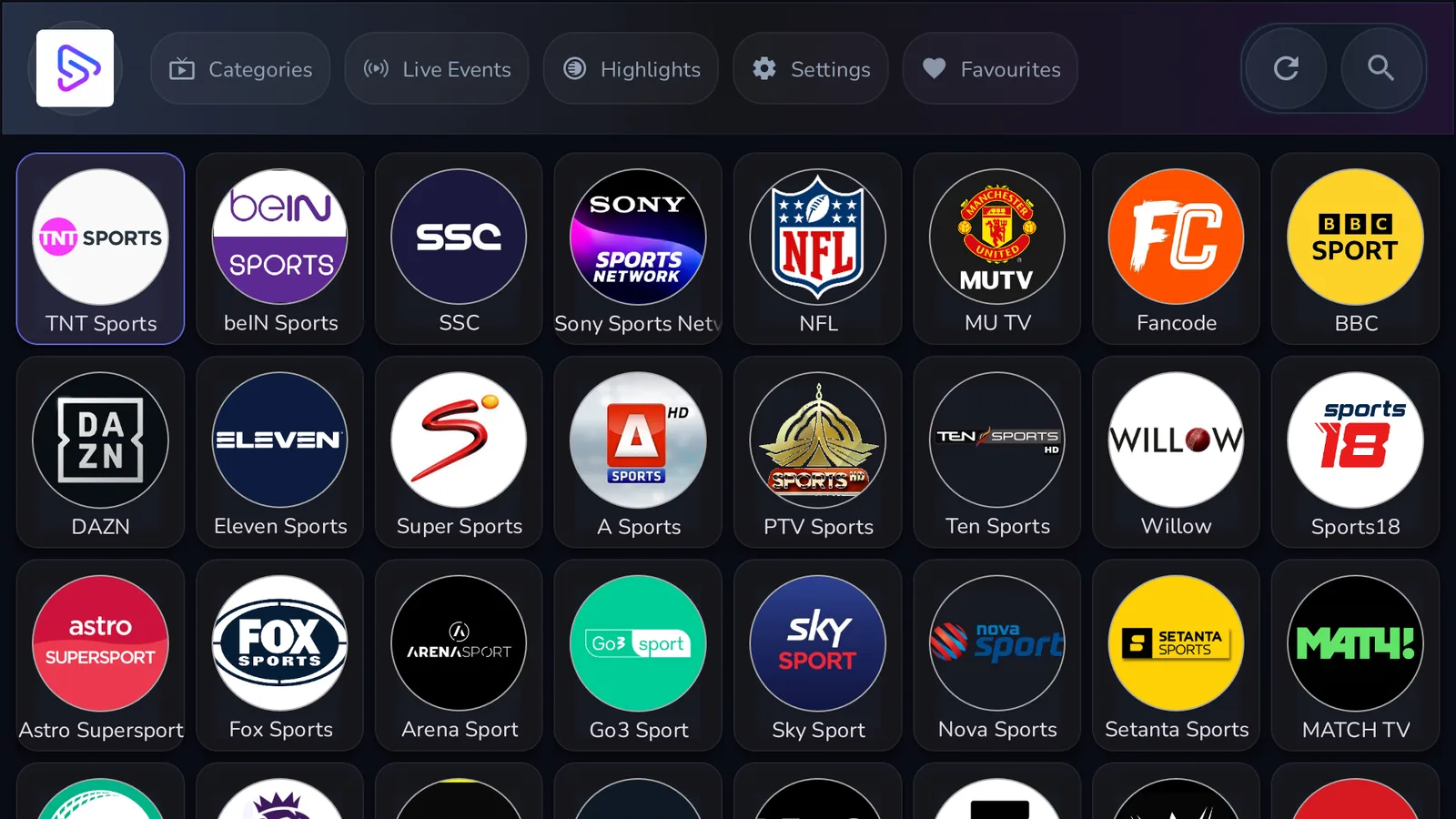
After SportzX opens, take a minute to look through the main sections before changing anything.
- Open SportzX.
- Choose a sports category such as cricket, NFL, soccer, tennis, or hockey.
- Select a live event or channel.
- If the stream gives you quality options, start lower if your internet is not strong.
- Use the app's news or entertainment areas if you want non-sports live content.
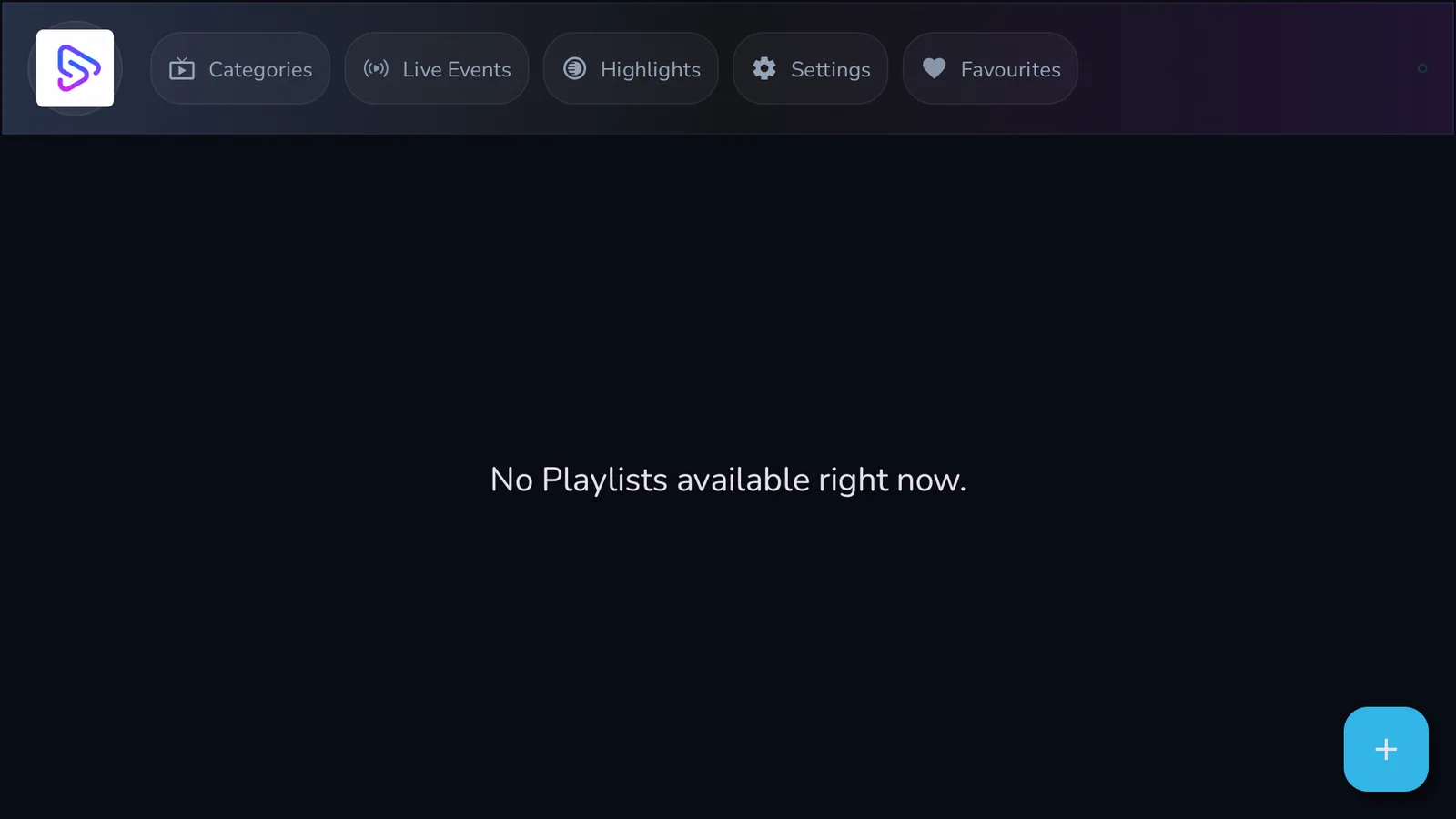
SportzX also supports custom playlists through M3U URLs. If you have an M3U URL from your IPTV provider, look for the playlist or M3U area inside SportzX, add the URL, then refresh the playlist.
Recommended VPN setup
For Firestick streaming, I recommend IPVanish. I run IPVanish on mine because it is simple to use on Fire TV devices and WireGuard is quick to connect.
Use these settings:
- Get IPVanish.
- Open the IPVanish app and sign in.
- Connect to a United States server.
- Use WireGuard as the VPN protocol.
- Open SportzX after the VPN connects.
For more detail on why a VPN matters on Firestick, read my Firestick VPN guide.
Fix SportzX not installing
If SportzX fails during install, use this checklist:
- Confirm your Firestick is not on Fire OS 10.
- Open Settings, then My Fire TV, then Developer Options.
- Open Install unknown apps.
- Make sure Downloader is allowed.
- Restart the Firestick.
- Try the install again from LinkDrop at linkdrop.store.
If the install button appears but fails, storage may be the issue. Delete apps you do not use, restart the Firestick, then try again.
Fix SportzX crashing or freezing
Crashes usually come from cached data, low storage, or the Firestick needing a restart.
Try this:
- Open Settings.
- Select Applications.
- Open Manage Installed Applications.
- Choose SportzX.
- Select Clear Cache.
- If the app still crashes, select Clear Data.
- Restart the Firestick by unplugging it for 30 seconds and plugging it back in.
Clearing data can remove your saved app settings, so add your M3U playlist again if needed.
Fix buffering in SportzX
SportzX needs a stable connection. For standard streams, aim for at least 5 Mbps. HD streams need more.
Try these quick fixes:
- Restart your router.
- Restart the Firestick.
- Move the Firestick closer to the router if you use Wi-Fi.
- Lower the stream quality inside SportzX if the option appears.
- Close background apps.
- Connect IPVanish to a United States server with WireGuard, then reopen SportzX.
If every app buffers, the problem is probably your connection or Firestick performance, not only SportzX.
Good SportzX alternatives on Firestick
If SportzX is unavailable on your device, use TV Wizard at newstore.tv or LinkDrop at linkdrop.store and try another app from the same store.
Good options to check first:
- Reezn, a solid live TV, movies, and sports option. Full setup is here: install Reezn on Firestick.
- HD Streamz, useful for live TV style streaming.
- UK Turks, a long-running app with live TV, movies, and more. Setup guide: install UK Turks on Firestick.
- Voltra TV, another live TV option available through the store.
Keep LinkDrop handy because it is the store I reach for first when installing or replacing apps on Firestick.
Stay private on your Fire Stick with IPVanish
It's the VPN I run on my own Fire Stick. It hides what you stream and sideload from your internet provider, and unblocks a lot more.
Frequently asked questions
Does SportzX still work on Firestick in 2026?+
Yes, SportzX still works on compatible Firestick devices that have not been updated to Fire OS 10. Newer Fire TV models with Fire OS 10 restrictions may block third-party app installs.
Which Firestick is best for SportzX?+
An older Firestick, especially a pre-2023 model running a Fire OS version before 10, is the better match for SportzX. Newer Fire TV devices released after 2025 may have install restrictions.
Do I need an M3U URL to use SportzX?+
Not always. SportzX includes live sports, news, and entertainment sections, but it also supports custom M3U playlists if you want to add one from your IPTV provider.
Why is SportzX not installing?+
Your Firestick may be on Fire OS 10, Downloader may not be allowed under Install unknown apps, or the device may be low on storage. Check those three items first.
Why does SportzX keep crashing?+
Clear the app cache, restart the Firestick, and make sure you have free storage. If it still crashes, clear app data and open SportzX again.
How fast should my internet be for SportzX?+
Use at least 5 Mbps for standard streaming. For HD sports streams, faster and steadier internet is better.
Does SportzX cost money?+
SportzX can be installed as an app, and it also supports M3U URLs. If you add an IPTV provider playlist, that provider may have its own pricing.
Can I install SportzX without TV Wizard?+
Yes. Open Downloader, go to linkdrop.store, click Explore the collection, find SportzX, and install it from LinkDrop.
Comments0
Join the conversation. Be kind, and no piracy talk.